
VideoFX
VideoFX Motion Control sits inside the VideoFX Studio pipeline alongside text-to-video and lip sync modules, letting you animate characters without leaving one workspace. Drop a reference clip into the panel and the Kling engine runs 17-point skeletal tracking — mapping shoulders, elbows, wrists, hips, knees, ankles, and five facial anchor points across every frame. The extracted pose skeleton is then applied to your uploaded character image, rebuilding each frame with the original outfit, proportions, and art style intact. Because the animation module shares the same project timeline as other VideoFX tools, you can generate a character with text-to-video, animate it here, and add dialogue via lip sync — all in a single session without file exports between steps.
Motion control runs as an integrated module within VideoFX — generate, animate, and sync dialogue on the same project timeline without switching tools.
Record yourself or grab any reference clip, then drag it into the VideoFX Studio panel. The Kling engine isolates 17 skeletal points per frame — shoulders through fingertips, hips through toes — and rebuilds each pose on your target character while locking outfit colors, fabric textures, and body proportions. Batch mode lets you queue multiple character-reference pairs and render them back-to-back.
Kling tracks 17 joints per frame — neck, shoulders, elbows, wrists, hips, knees, ankles, plus 5 facial anchors — for granular motion reproduction
Clothing patterns, accessories, and body ratios remain fixed while the underlying skeleton drives new movement
Each render completes in under 60 seconds, so you can iterate on timing without waiting for overnight queues
Bring still artwork to life inside VideoFX Studio. Upload a portrait, illustration, or 3D render as the character source, pair it with a motion reference clip, and the engine maps every gesture and weight shift onto the static image. Output at 720p for fast drafts or 1080p for final delivery — both render within the same 60-second window.
Photorealistic portraits, cel-shaded anime, watercolor illustrations, and 3D renders all accepted — the engine adapts tracking to each visual style
Five facial anchor points track eyebrow raises, lip curls, and jaw shifts so emotional nuance carries from reference to character
Switch between 720p preview and 1080p production quality in the settings panel — credit cost adjusts automatically
Capture a trending dance on your phone, import the clip into VideoFX, and apply the choreography to any character in your project library. The animation engine timestamps every step, spin, and arm arc so the output stays beat-accurate. Pair the result with the lip sync module to add voiceover or song lyrics directly on the same timeline.
Frame timestamps align each dance move to the audio beat, keeping hip pops, foot plants, and arm waves in sync
Set clip length from 3 to 30 seconds in the studio settings — longer clips cost proportionally more credits
Export MP4 pre-cropped for TikTok (9:16), YouTube Shorts (9:16), or Instagram Reels (4:5) from the download panel
VideoFX bundles Kling's 17-point motion control engine with text-to-video and lip sync — one subscription covers the full character animation pipeline.
Motion control plugs into content, film, and ad pipelines as one step in the broader VideoFX Studio — generate, animate, voice, and export from a single dashboard.
Short-form creators build a character library inside VideoFX Studio, then batch-apply motion control to produce 5–10 animated clips per session. Film a 10-second dance on your phone, import it, select a character, and export a finished 9:16 vertical video in under 60 seconds — ready for TikTok, Shorts, or Reels without touching After Effects or Blender.
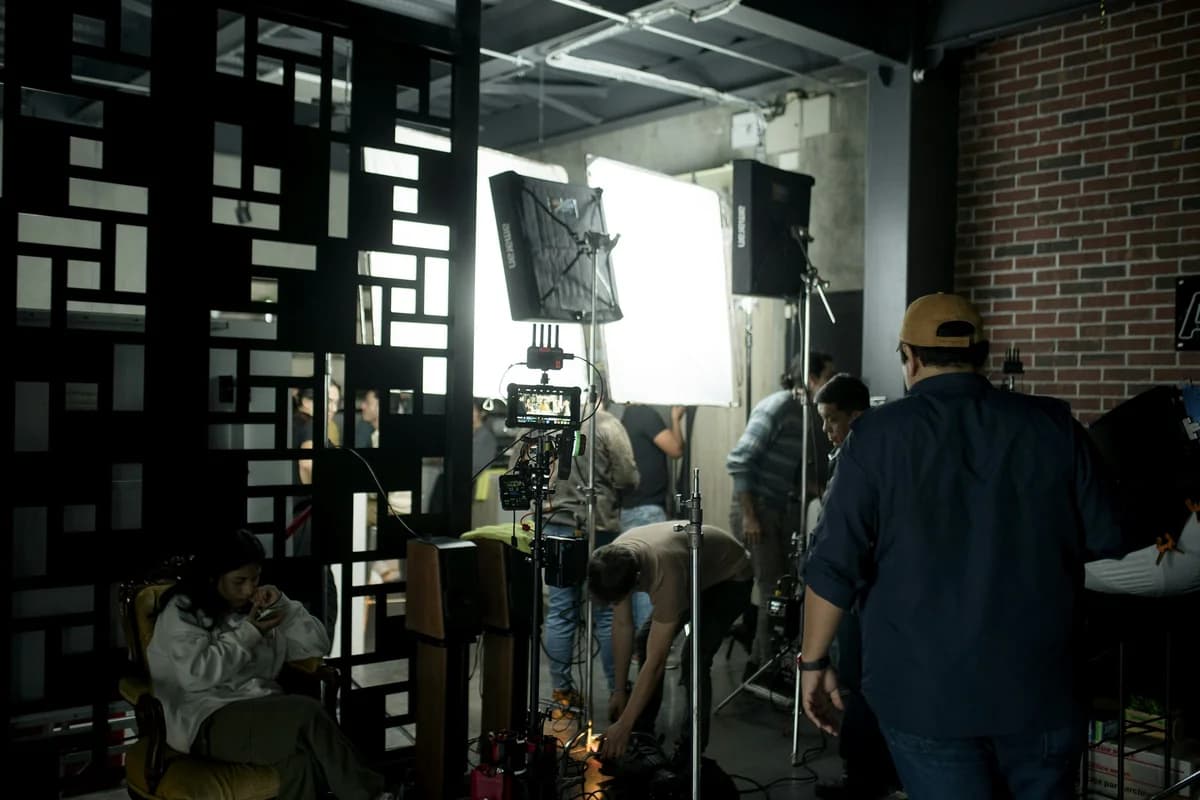
Indie filmmakers and pre-vis teams use VideoFX to block out actor performances on CG characters before committing to final renders. Record a rough performance, run it through the 17-point skeletal tracker, and review the animated result at 1080p — all within the same studio environment where you generate backgrounds via text-to-video. No mocap suit rental, no Vicon rig, no cleanup pipeline.

Ad teams use VideoFX to animate brand mascots and product spokespersons at scale. Record one reference performance, then swap the character image to produce 4–6 ad variations for A/B testing — each render takes under 60 seconds. Pair the animated clip with the lip sync module to add localized voiceover in 40+ languages, cutting per-variant production cost by 80% compared to live-action reshoots.
Open the motion control module, pair your assets, and export — everything stays on one timeline.
Answers about using the motion control module inside VideoFX Studio for production projects.
Discover all AI video tools available in the VideoFX platform.
VideoFX Motion Control turns a phone-recorded reference clip into broadcast-ready character animation. Pair it with text-to-video and lip sync on the same timeline — no file juggling, no mocap hardware.
AI uses the uploaded image as character appearance. The video provides motion reference only.