Failed photos return their credits
Each AI Christmas photo costs 8 credits. If a generation fails, those credits go back to your balance automatically. That is a credit return, not a cash refund.
Upload one photo of you, your family or your pet, pick one of 5 Christmas scenes, and get one AI Christmas photo. No prompt to write.
Upload your photo
Drop a photo here, or click to choose. JPG or PNG, up to 10 MB.
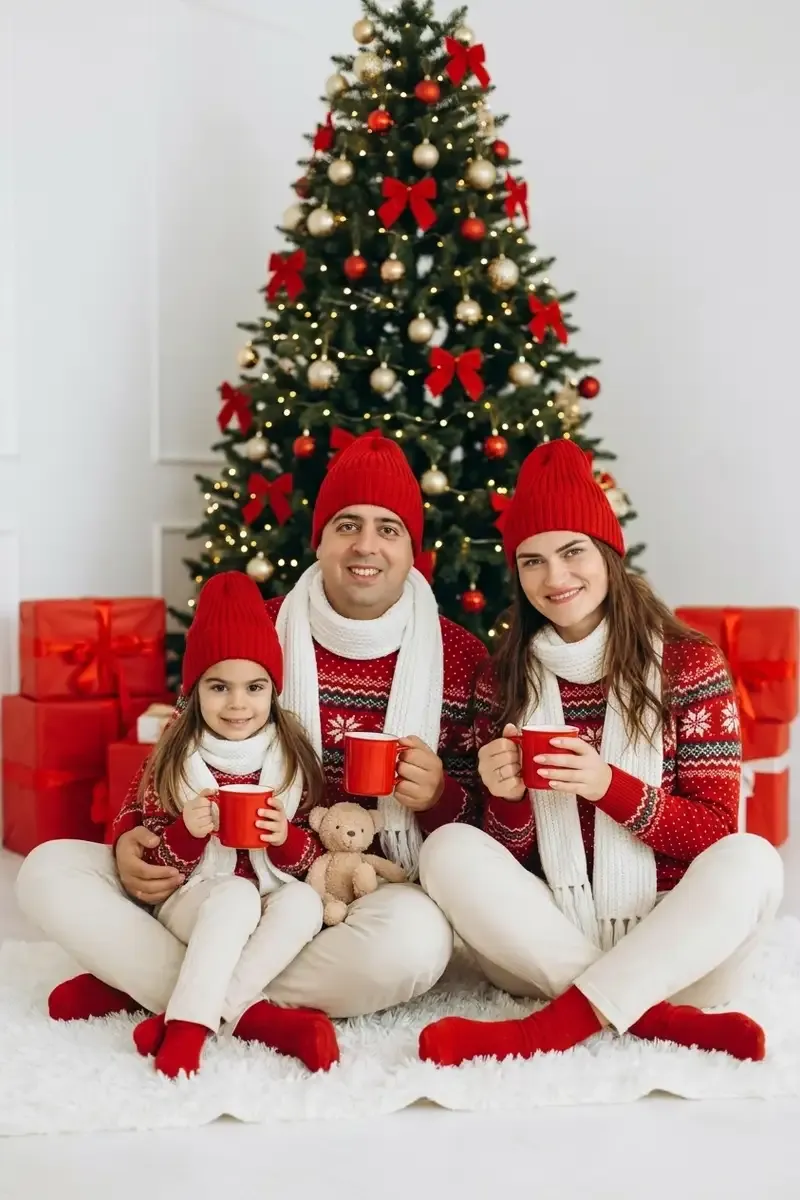 Example
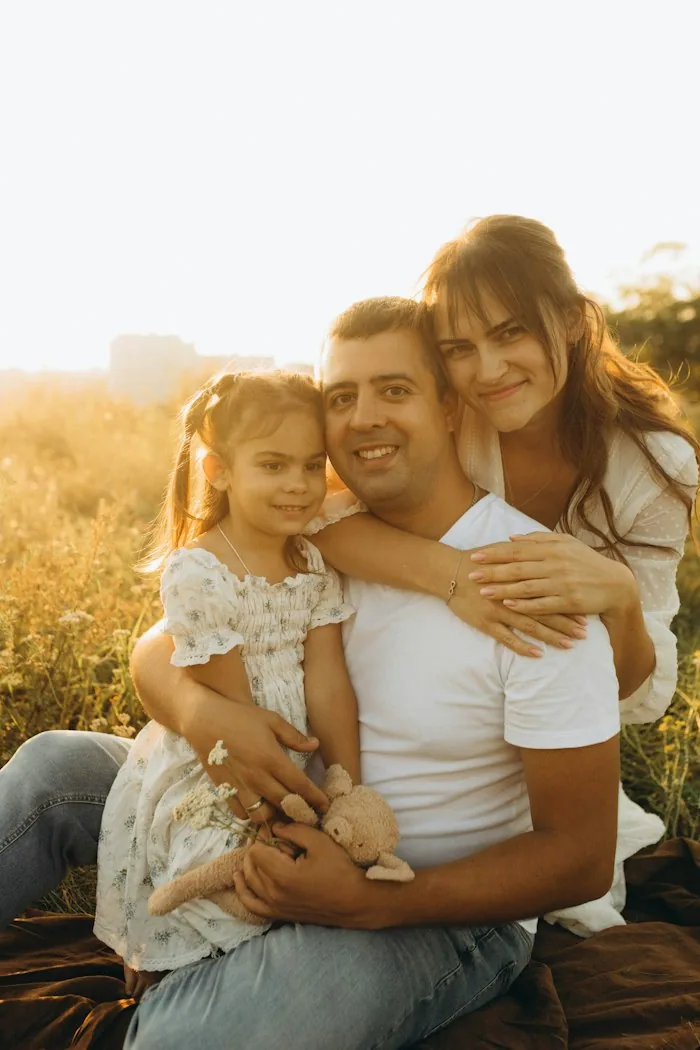
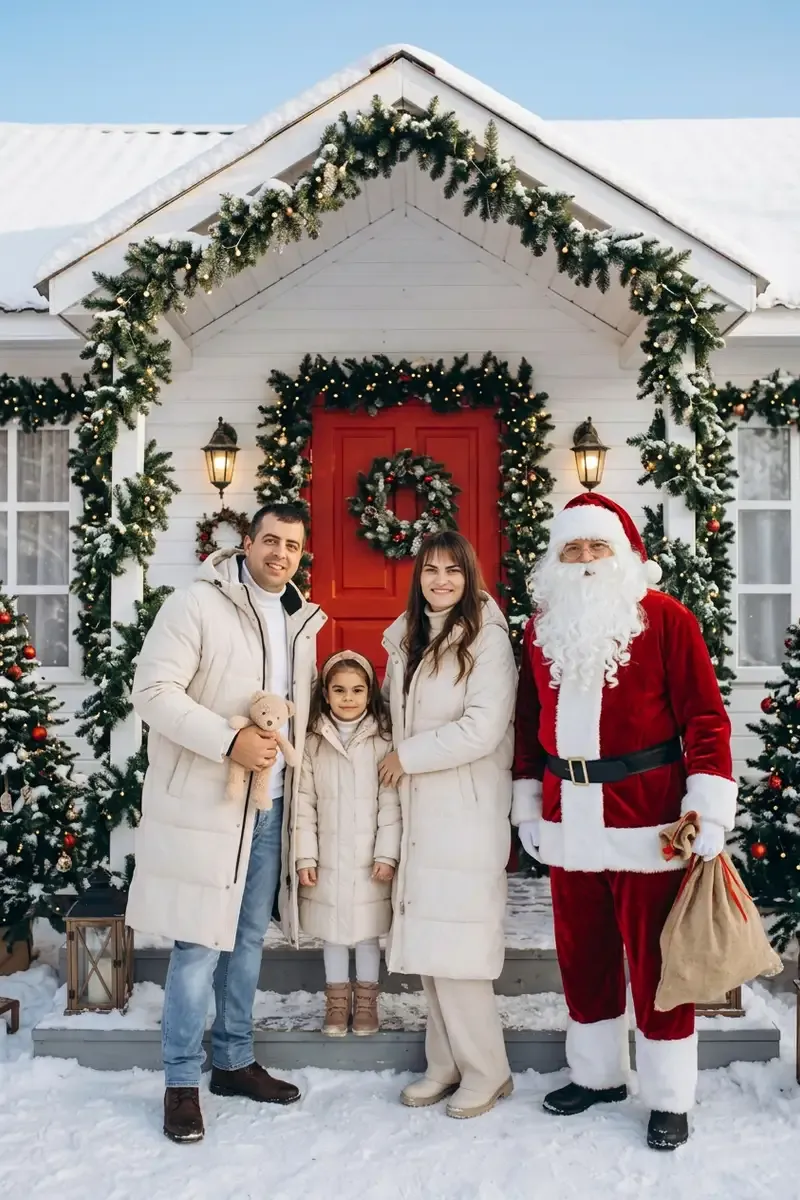 Example
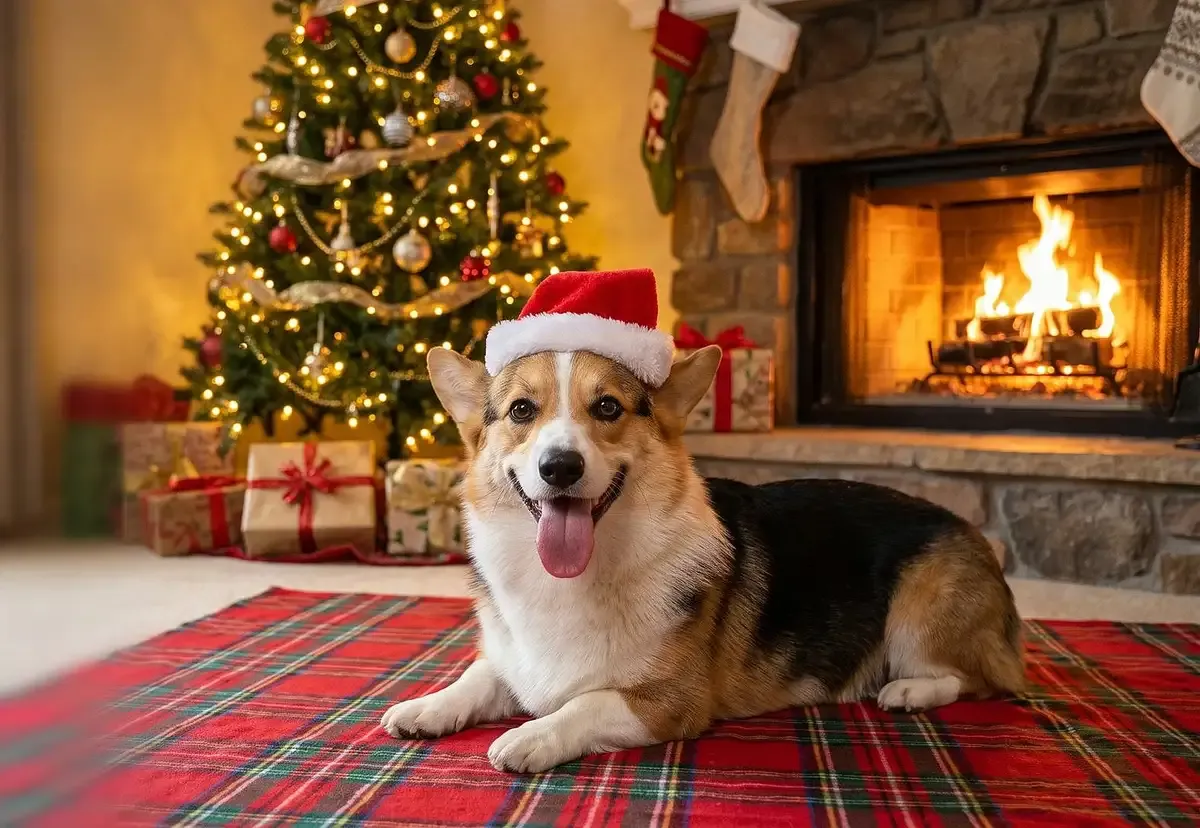 Example
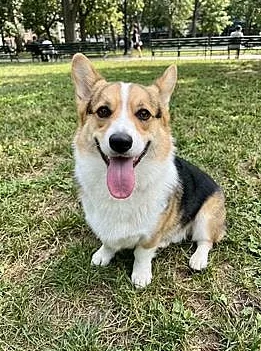
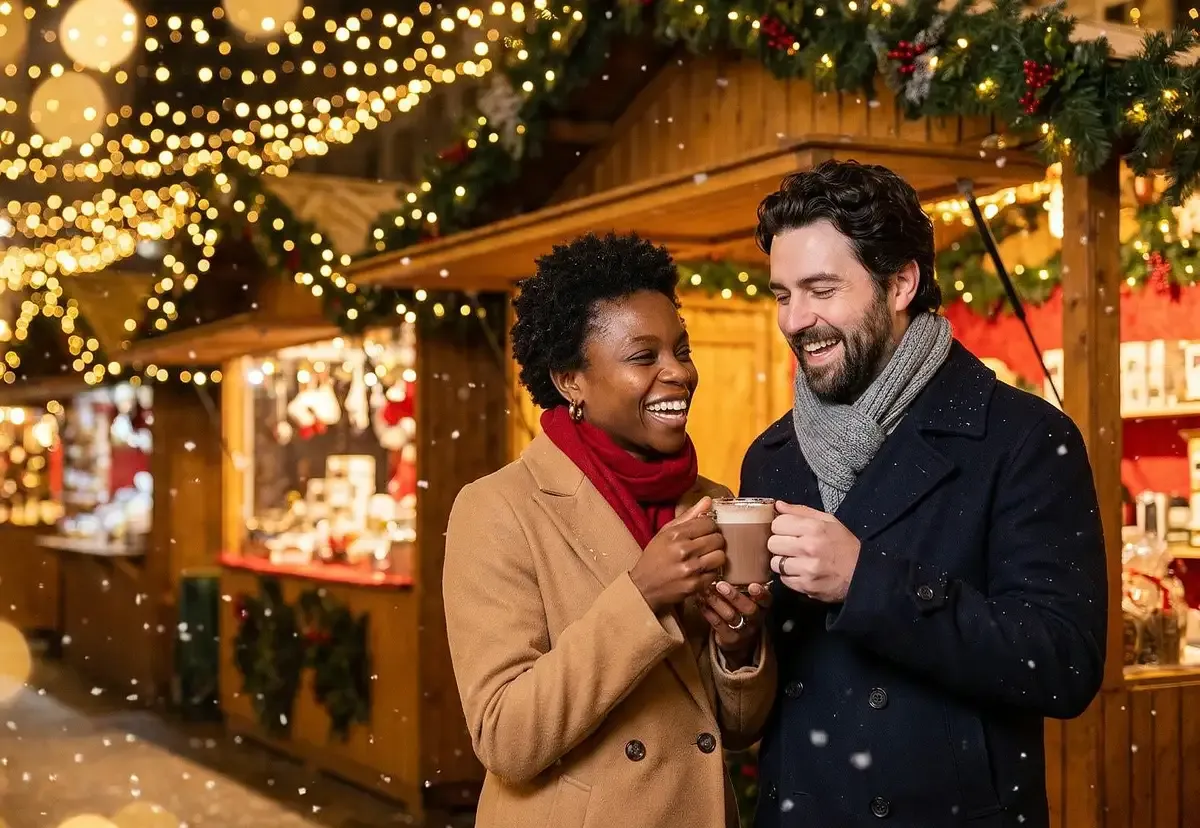 Example
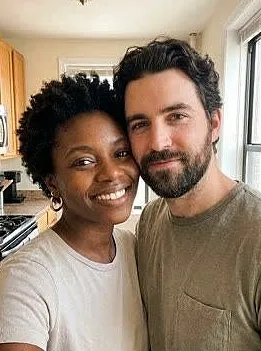
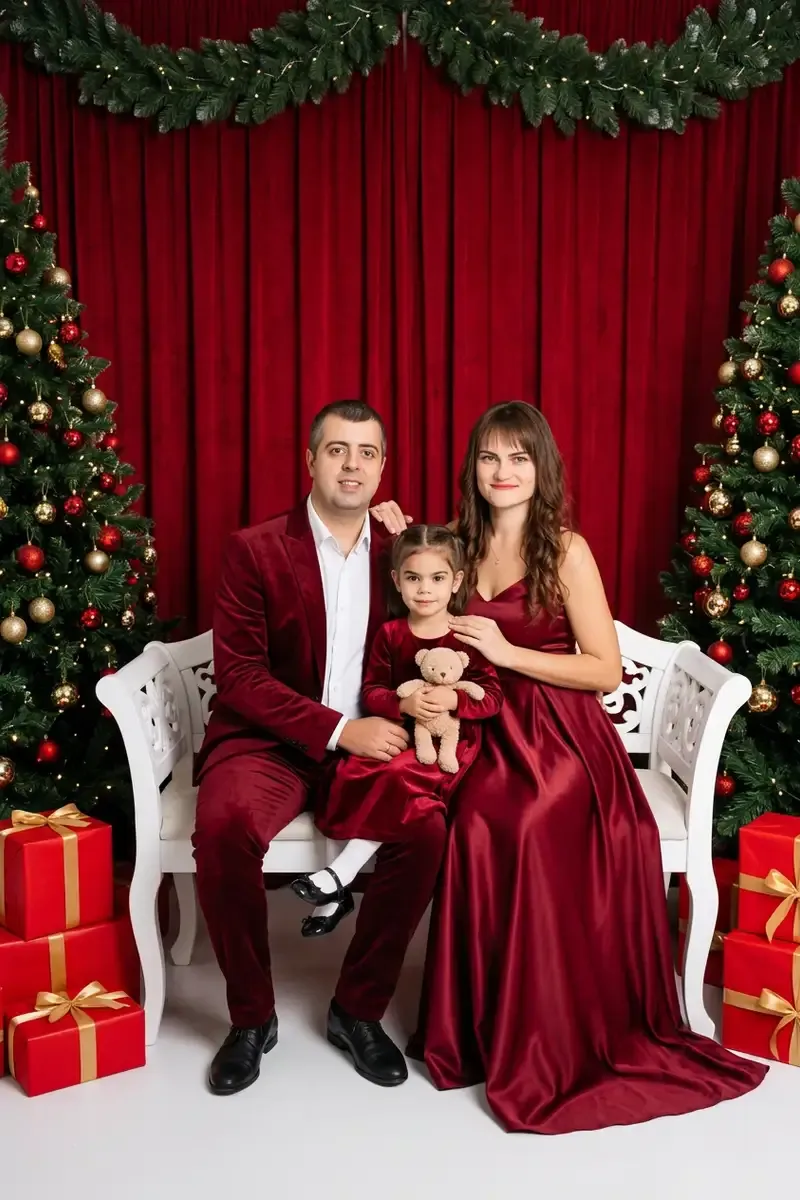 Example
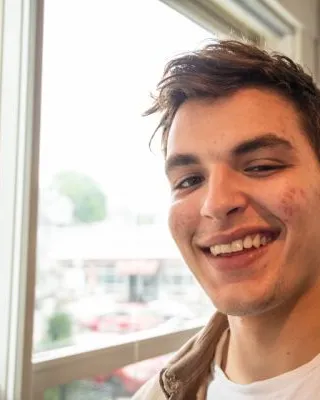
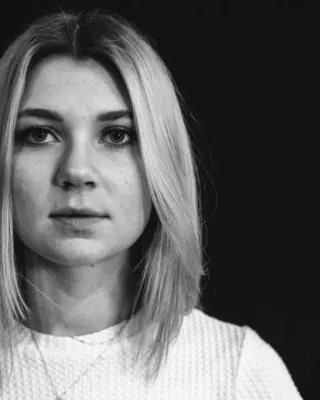

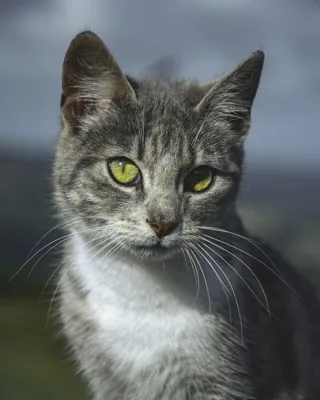
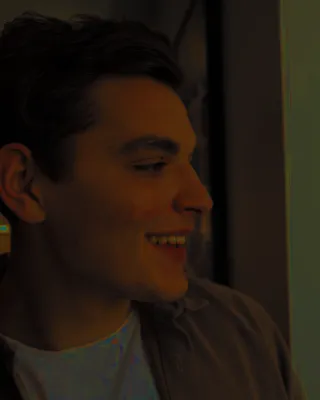
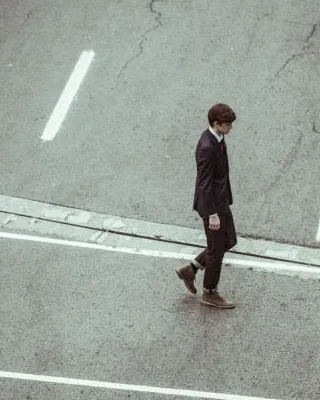
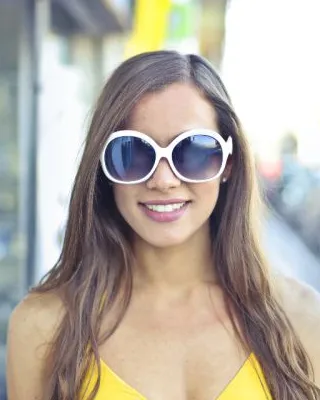
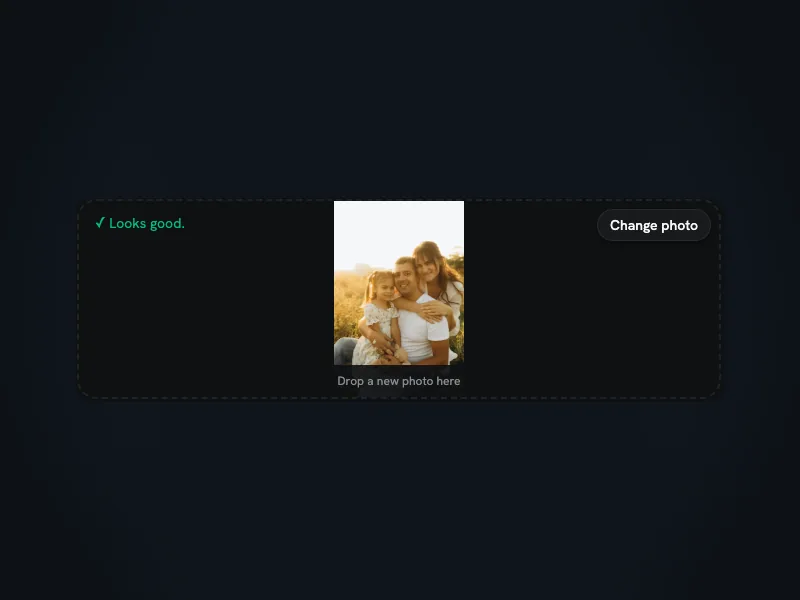
Pick one clear photo of a person, a group or a pet, then tick the consent box.
Choose By the tree, Snowy porch, Fireplace morning, Christmas market or Red studio portrait. There is nothing to type, and you can leave the page while it works.
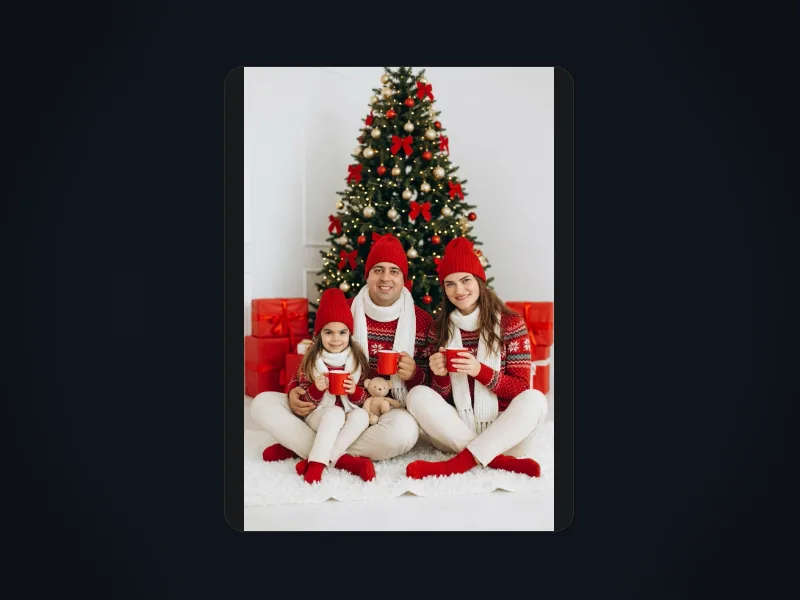
See your AI Christmas photo here and in My Creations, where it stays for 14 days. Downloading needs a Starter Pack or a paid plan.
Each AI Christmas photo costs 8 credits. If a generation fails, those credits go back to your balance automatically. That is a credit return, not a cash refund.
A $6.99 Starter Pack adds 270 credits, enough for 33 photos, and unlocks downloads for 365 days. There is nothing to cancel.
Results stay in My Creations for 14 days. Ask us to delete your upload or results sooner and we do it within 30 days. We don't use uploads to train AI models.
You must be an adult with the right to use the photo. Adults in it must agree, and a parent or guardian must agree for any child. No celebrities. Every result is AI-generated.
VideoFX uses your photo as a reference and redraws the whole picture in the scene you pick: By the tree, Snowy porch, Fireplace morning, Christmas market or Red studio portrait. Nothing is pasted onto your original, so each AI Christmas photo is a new image at 1K, shaped like the photo you upload. The built-in prompt asks to keep each person's face, age, hairstyle, skin tone and build, to keep any pet the same animal with the same markings, and not to add or remove anyone. The one exception is Snowy porch, which adds Santa Claus beside you. The result is a likeness, not a copy: hands, expressions or a pet's paws can come out different.
Prompts, price, likeness, families and pets, cards and privacy.
You upload one photo, pick one of 5 built-in scenes and get one AI Christmas photo back. The scenes are By the tree, Snowy porch (it adds Santa Claus), Fireplace morning, Christmas market and Red studio portrait. There is no prompt box, so you can't write your own description.
New accounts get 10 free credits, enough for one AI Christmas photo at 8 credits. On the free plan you can preview results online but not download them. A $6.99 Starter Pack adds 270 credits (33 photos), valid for 365 days, with downloads and no watermark. Studio Basic features (image-to-video, 1080p, longer Seedance clips) need a subscription. Failed generations return their credits; this is not a cash refund.
The built-in prompt asks to keep each face, age, hairstyle, skin tone and build, but results can differ in small details such as hands or expressions. A sharp, well-lit photo with faces toward the camera gives the model the most to work from.
Any one photo works: a single portrait, a couple, a whole family in one shot, or a dog or cat. Faces are not checked on upload, so pet photos are fine. The tool can't merge several separate photos into one, and it can't promise a pet's exact markings, paws or pose.
Yes, as the picture for a card. Download your AI Christmas photo and add it to a card template or print service. There is no greeting text or card layout tool on this page.
Results stay in My Creations for 14 days, so download the ones you want to keep. If you ask us to delete your upload or results, we do it within 30 days. We don't use your uploads to train AI models.