270 credits for one video
Each 10-second video is made at 720p and costs 270 credits. The Starter Pack has enough credits for one Santa Cam video. Downloads require a Starter Pack or a paid plan.
Upload a room photo or doorbell screenshot from your own home and choose Leaving gifts, Doorbell cam, Cookies or Fireplace. Santa walks in, does one thing and stops, in a 10-second video that starts on your photo. Your room and everyone in it stay as they are. Private by default; saved for 14 days.
Upload your photo
Drop a photo here, or click to choose. JPG or PNG, up to 10 MB.
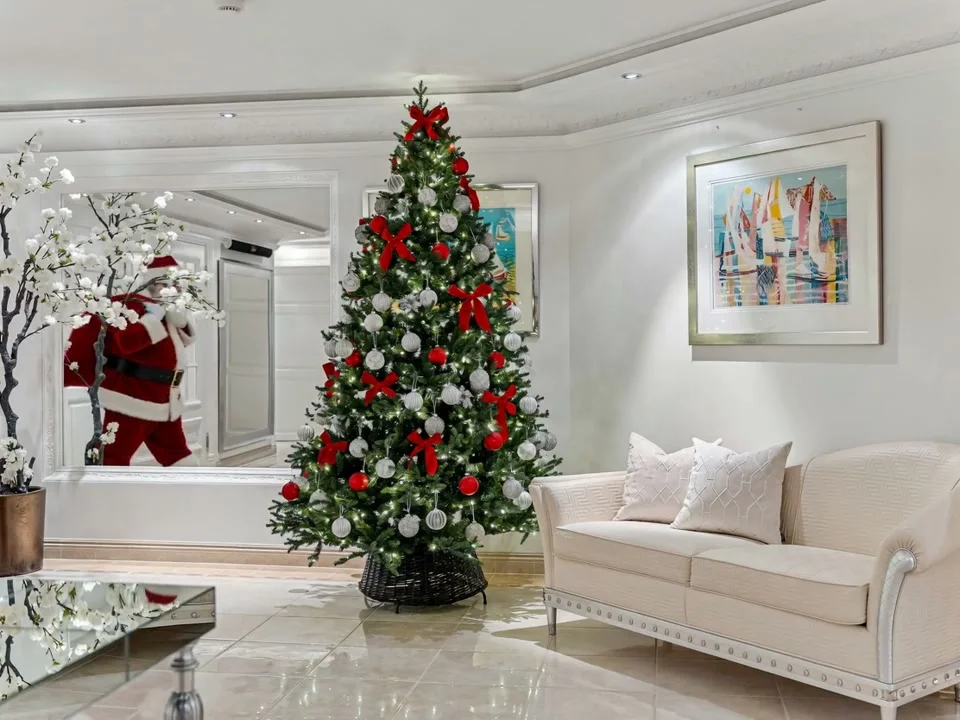 Example
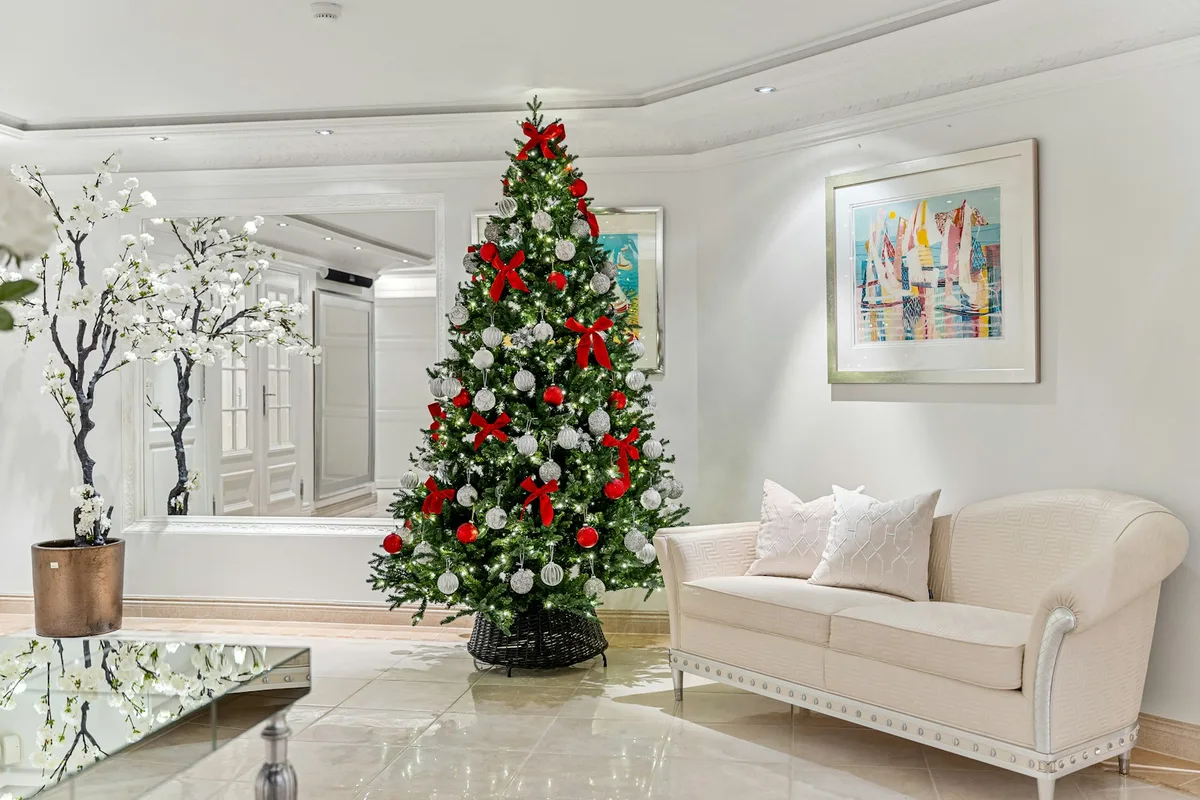
 Example
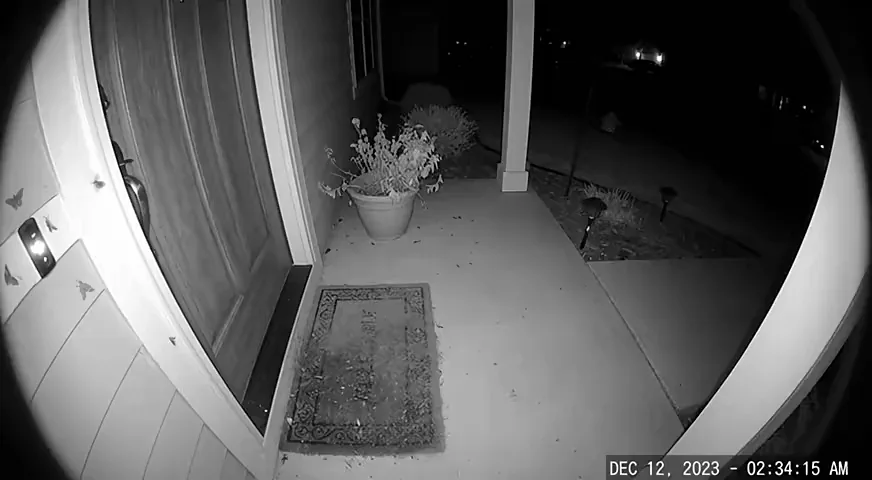
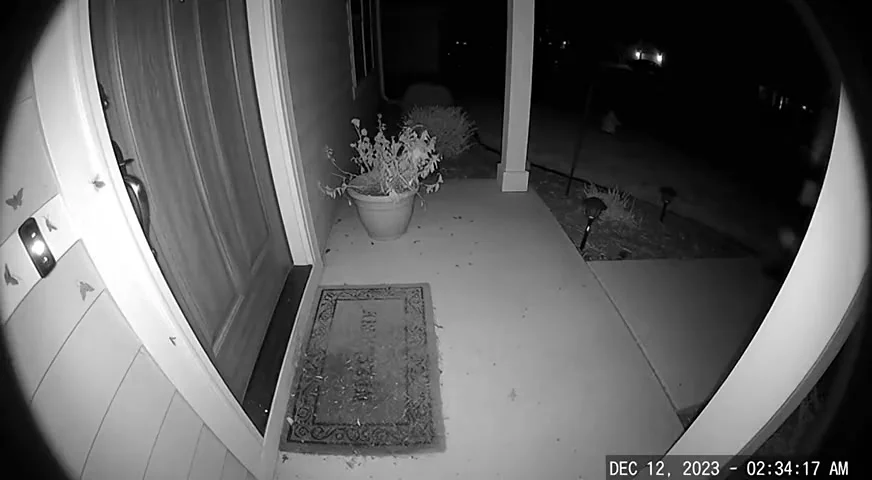
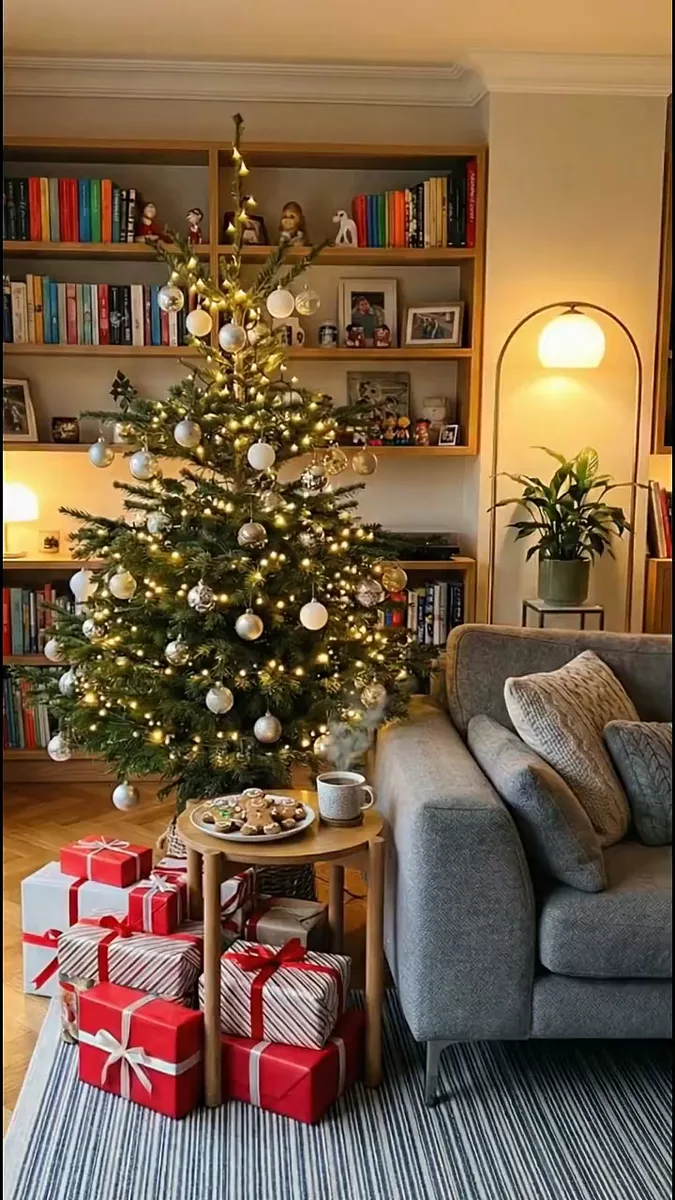
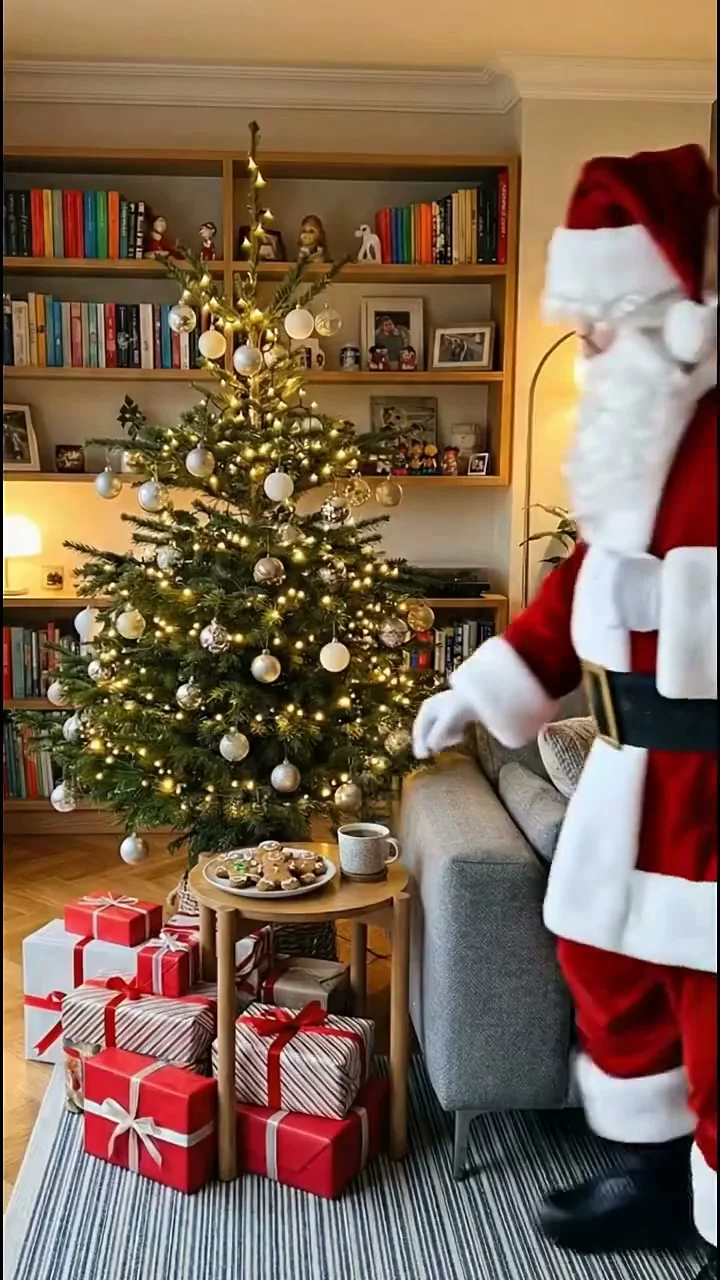 Example
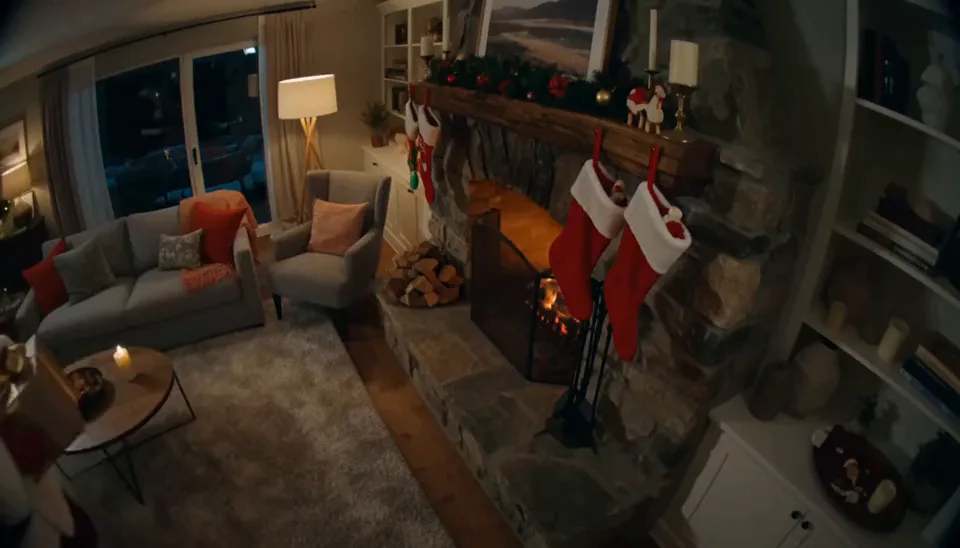
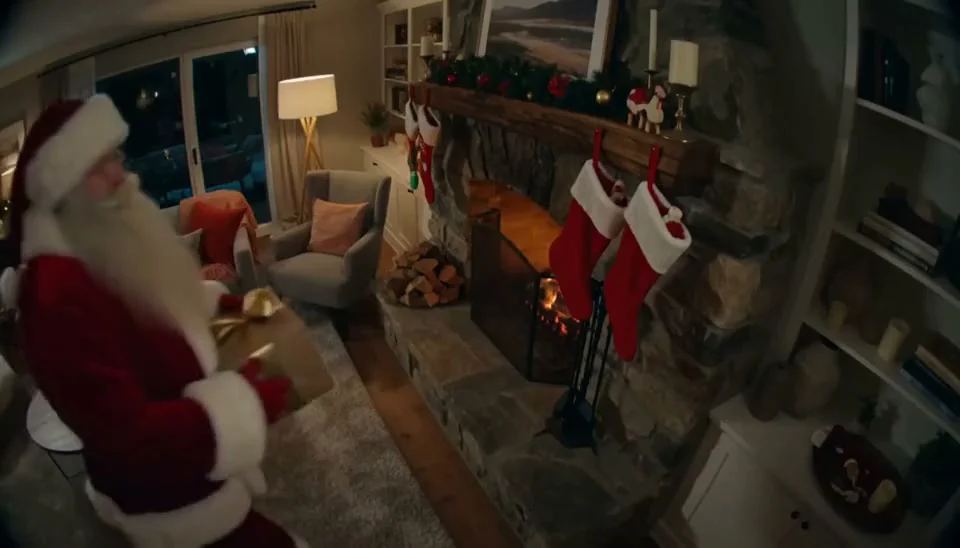 Example
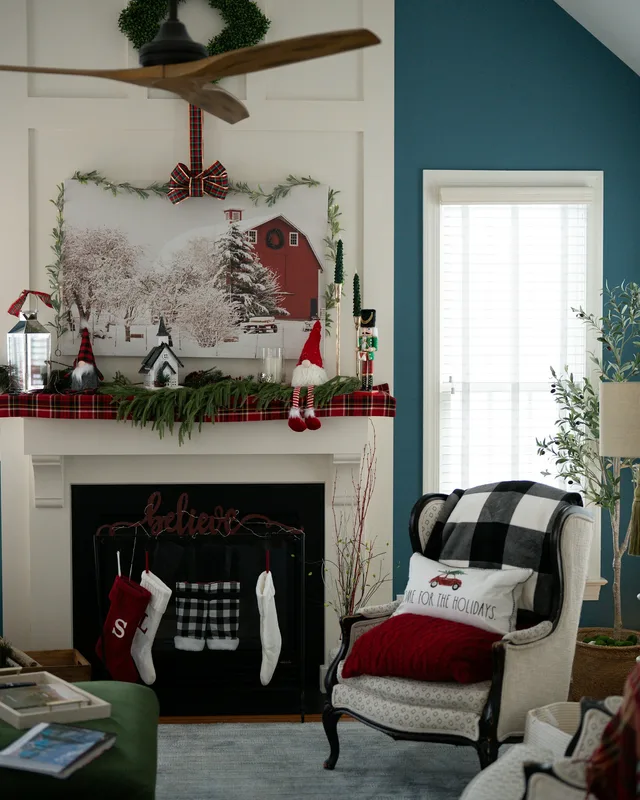
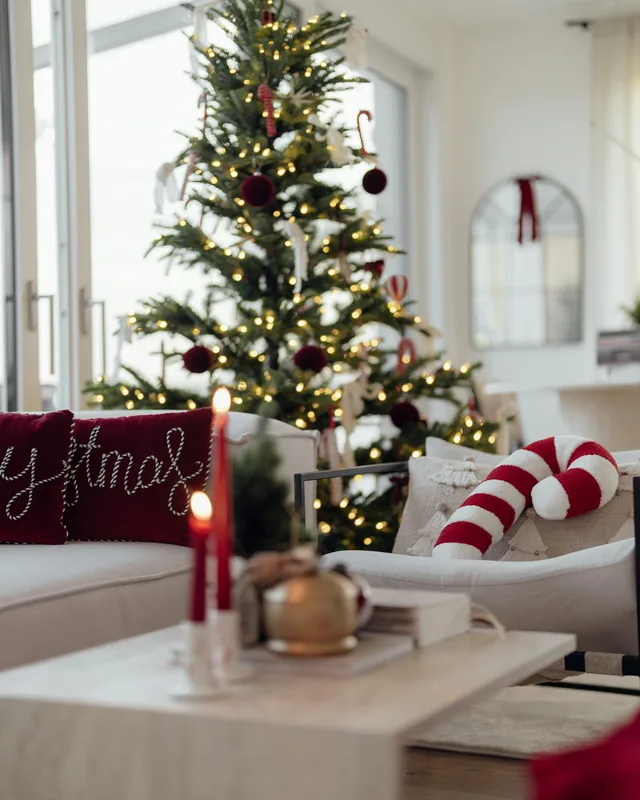
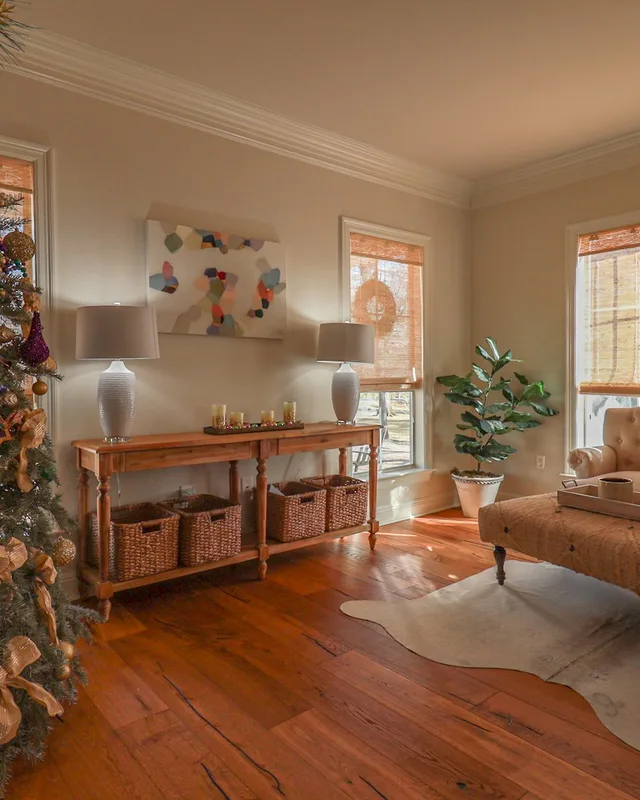
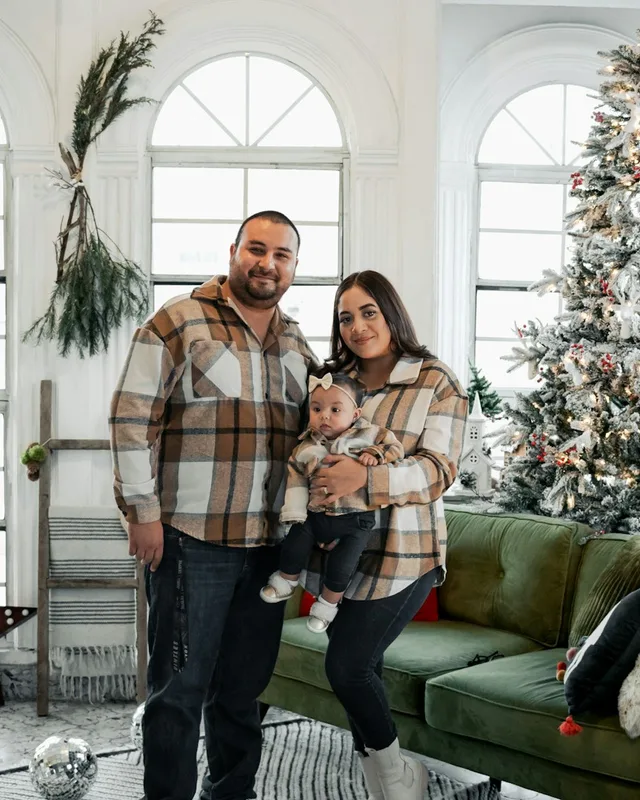
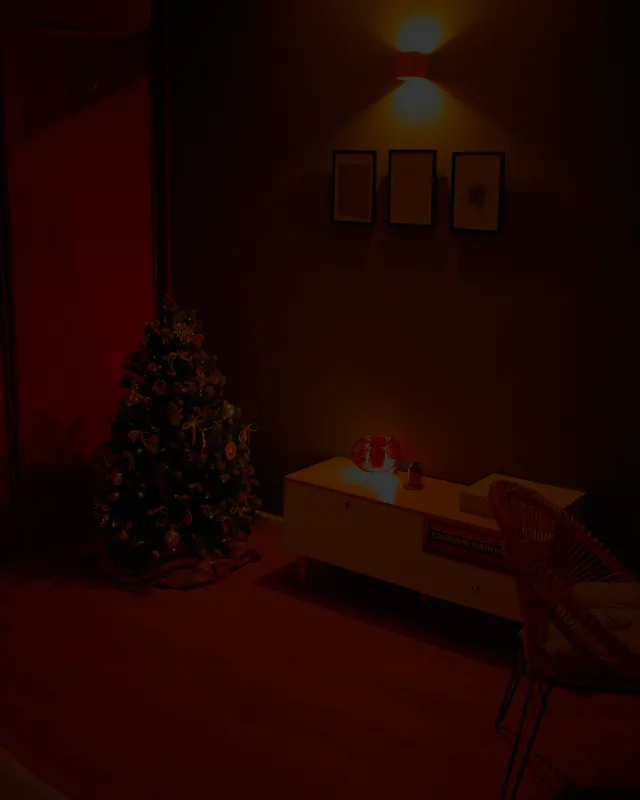
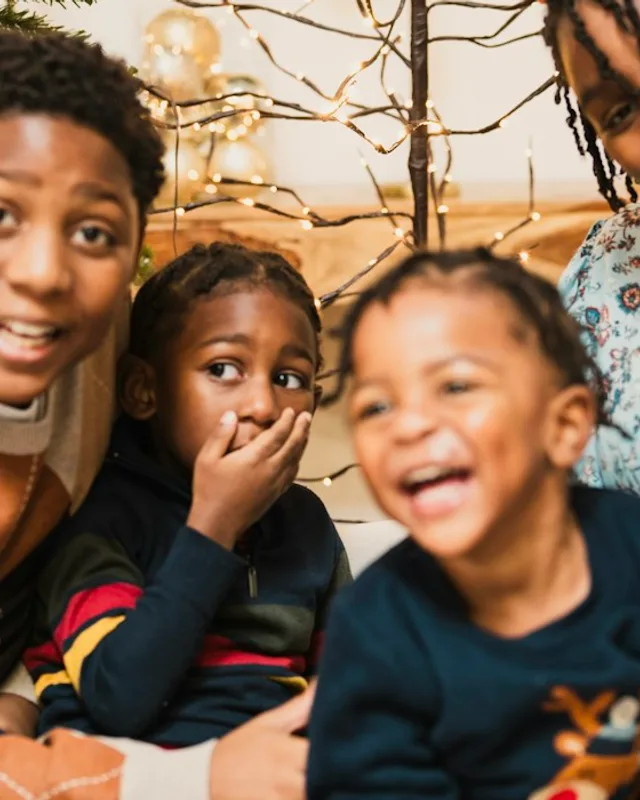
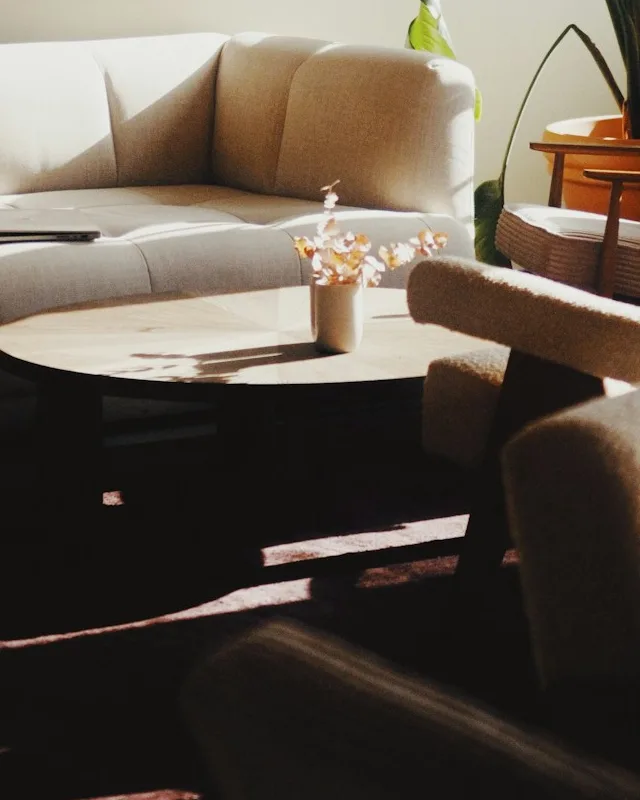
Use a clear photo of your own home. Confirm you have permission to use it. Your video is private by default.
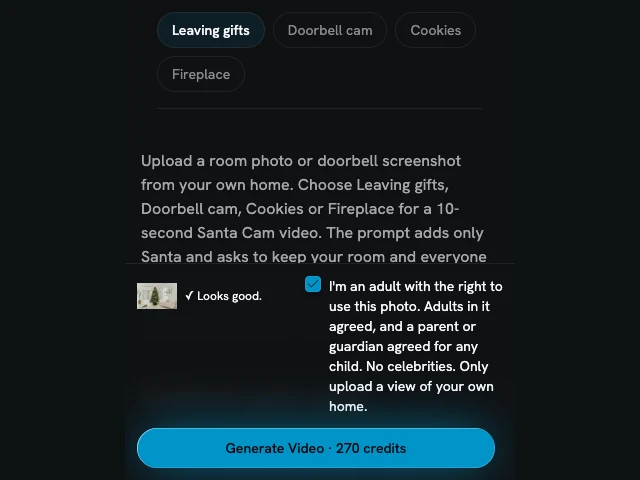
Choose Leaving gifts, Doorbell cam, Cookies or Fireplace. Press Generate Video; one 10-second video costs 270 credits. No prompt needed.
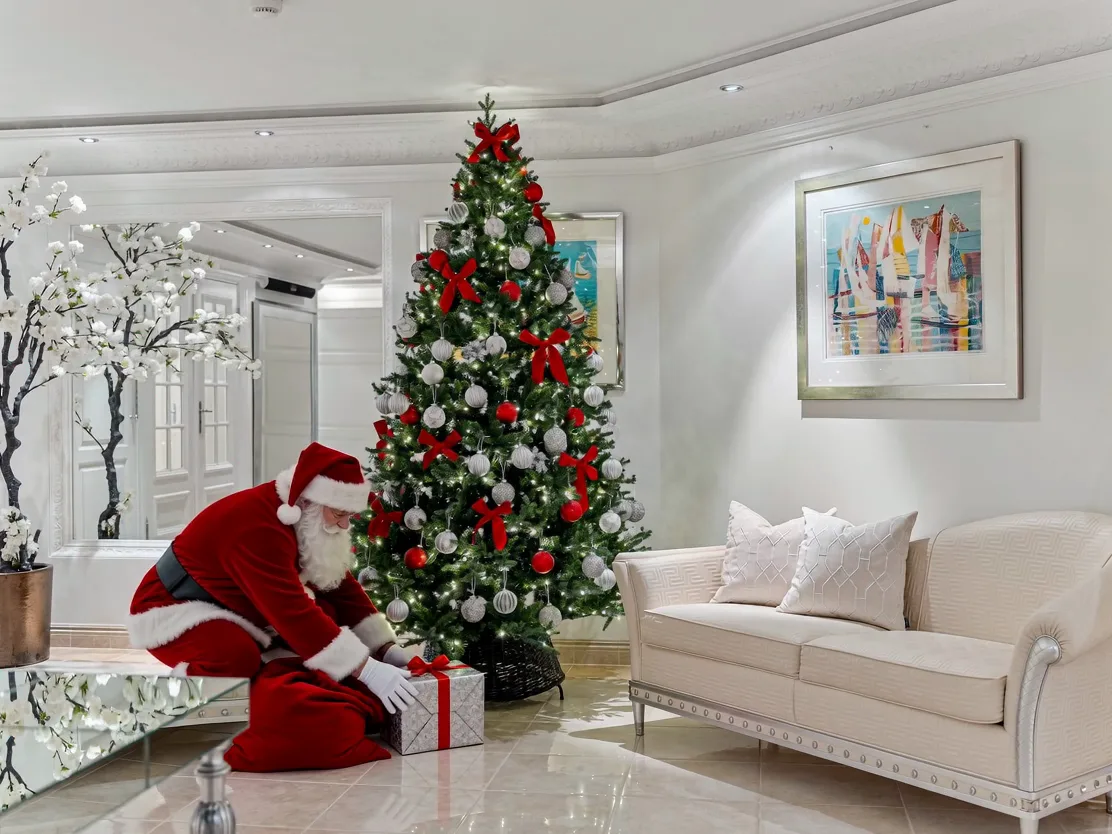
Review the video, then download it with a Starter Pack or paid plan. Results are saved for 14 days, so download what you want to keep.
Each 10-second video is made at 720p and costs 270 credits. The Starter Pack has enough credits for one Santa Cam video. Downloads require a Starter Pack or a paid plan.
If generation fails, its credits return to your balance. This is a credit return, not a cash refund.
Santa Cam videos are private by default. Results are saved in My Creations for 14 days, so download what you want to keep. Anyone who has the direct video link may be able to open it; keep that link private.
You must be an adult with the right to use the photo. Adults shown must agree, and a parent or guardian must agree for each child. No celebrities. The video is AI-generated, not real security footage.
Upload one room photo or doorbell screenshot and select one of 4 scenes: Leaving gifts, Doorbell cam, Cookies or Fireplace. Your photo is the first frame of the 10-second video. The built-in prompt asks to preserve the room, camera view, existing people and pets, adding only Santa. It asks for a still camera, quiet ambient sound and no speech or added captions. AI can still change details or movement, so check the result before sharing it. There is no prompt to write.
The 4 scenes, uploads, 10-second videos, credits and privacy.
Upload one room photo or doorbell screenshot from your own home. Choose one of 4 scenes—Leaving gifts, Doorbell cam, Cookies or Fireplace—and press Generate. Santa Cam makes a 10-second video at 720p, starting on your photo.
Leaving gifts shows Santa setting down presents near the tree, or in an open spot if there is no tree. Doorbell cam shows him approaching the camera and silently holding a finger to his lips. Cookies shows him taking a bite of a cookie. Fireplace shows him hanging a stocking on the mantel, or a door handle if there is no fireplace.
The prompt adds only Santa Claus. It asks to keep existing people and pets in place and not add or remove anyone else. It also asks to keep the room and camera angle unchanged. These are instructions to the AI, so details can still differ in the finished video.
Yes. Choose Doorbell cam for a doorbell screenshot. The prompt asks to keep the camera’s wide view, lens distortion and existing overlays. For a black-and-white night-vision photo, it asks to render Santa in matching grayscale tones. Upload only a view of your own home.
Each video is 10 seconds. All 4 scenes ask for quiet ambient sound only, with no music, speech, singing or added captions. There is no voice or dialogue editor.
One Santa Cam video costs 270 credits at 10 seconds and 720p. A Starter Pack provides 270 credits, enough for one video, and unlocks downloads. Failed generations return their credits; this is not a cash refund.
It is private by default and stays out of the public gallery, including when you return after signing in or buying credits. Results are saved in My Creations for 14 days. Download what you want to keep. Anyone who obtains a direct video link may be able to open it, so do not share that link unless you intend to.