Failed videos return their credits
If a generation fails, the 270 credits return to your balance automatically. That is a credit return, not a cash refund.
Make a bicep heart video from one photo: 9 seconds, 720p, 9:16 vertical, no sound. Nothing to film, nothing to type.
Upload your photo
Drop a photo here, or click to choose. JPG or PNG, up to 10 MB.
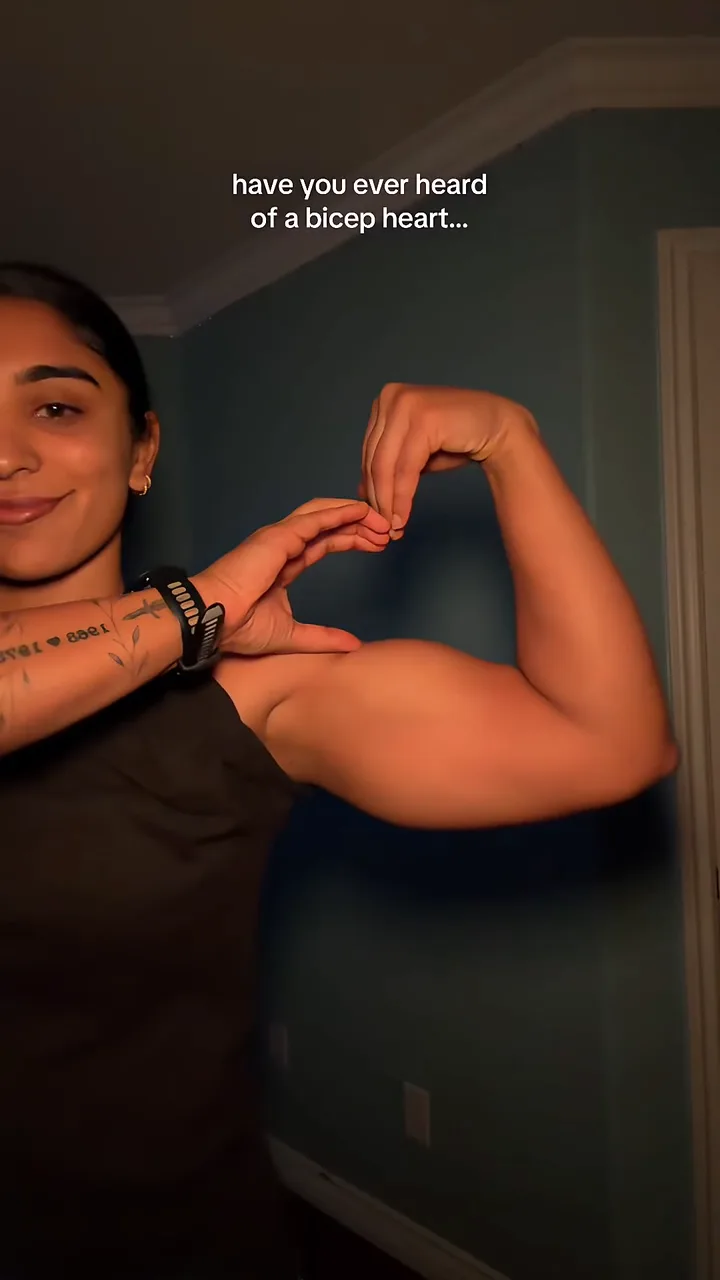 Original trend
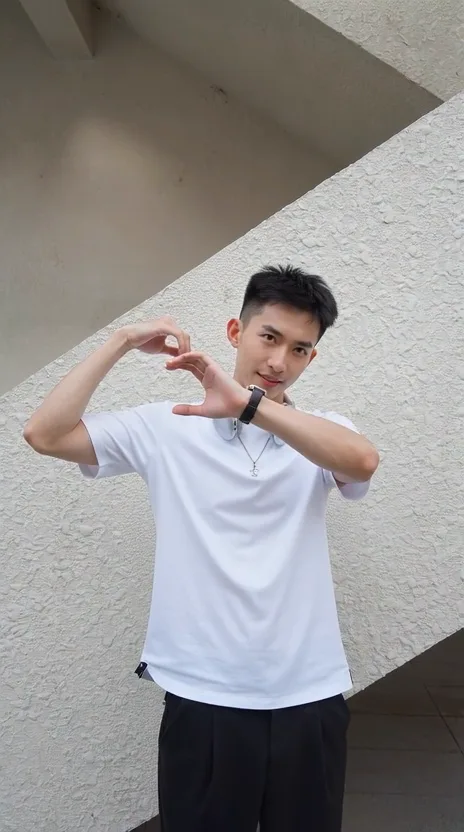 Example
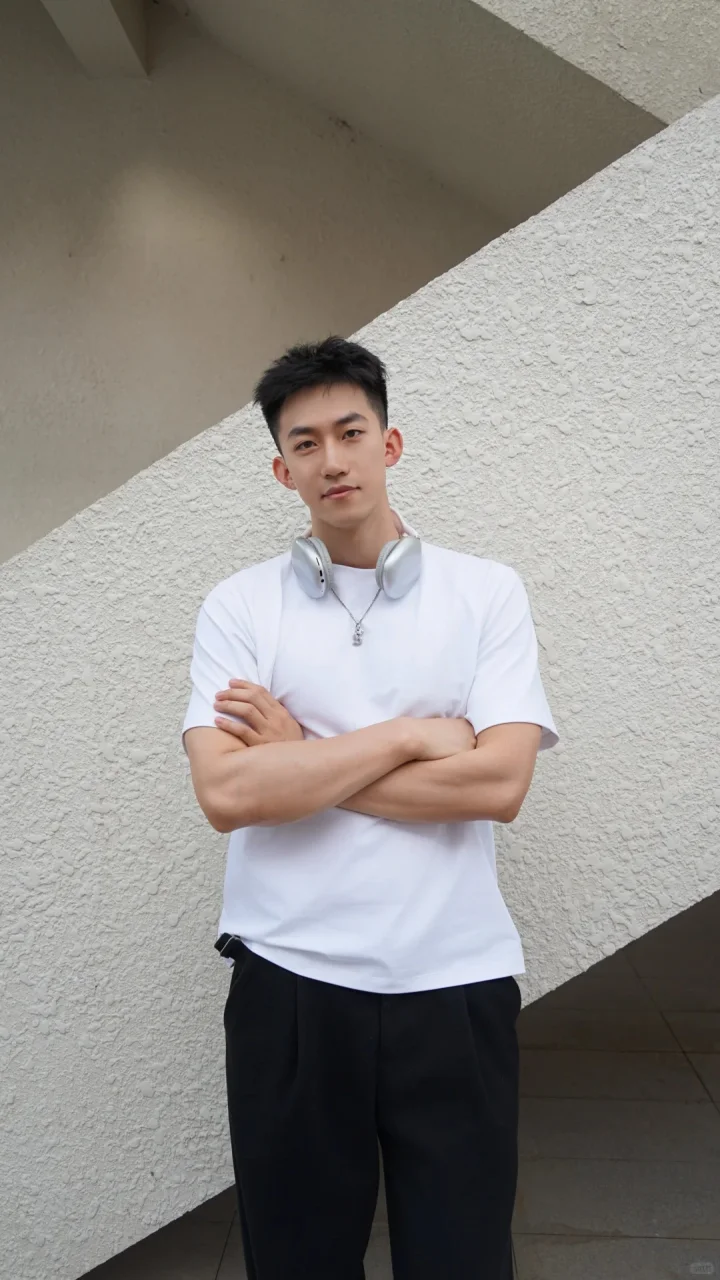
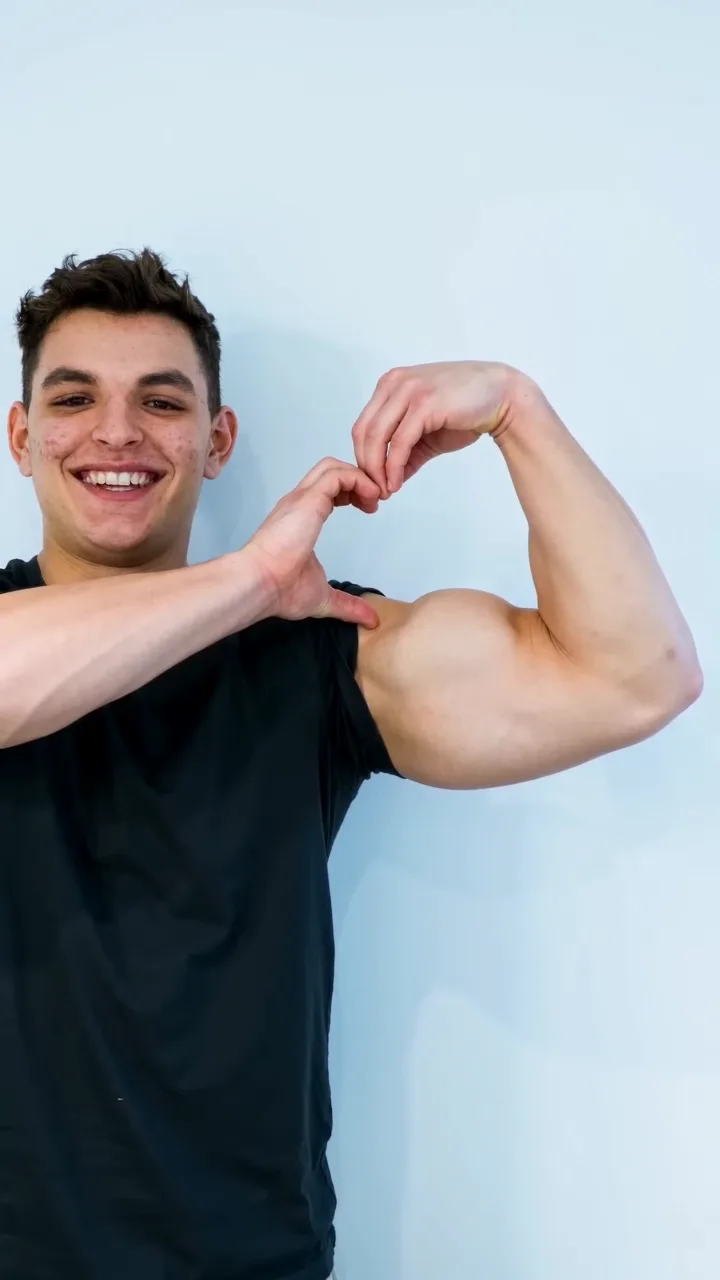 Example

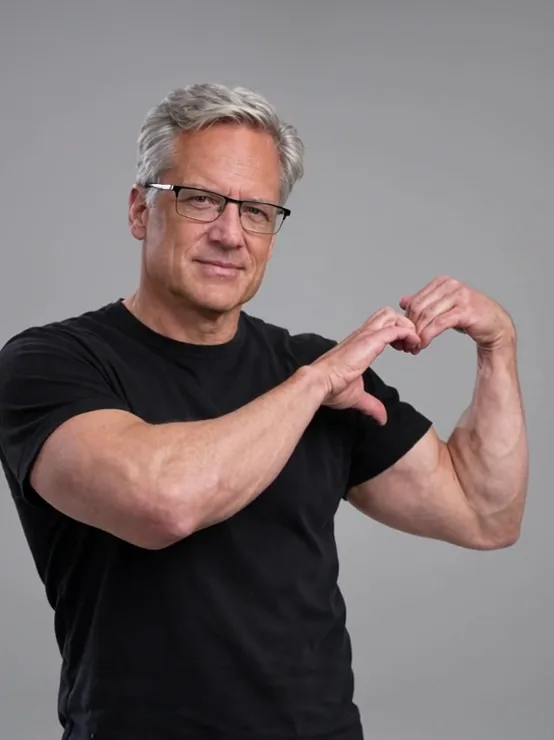 Example

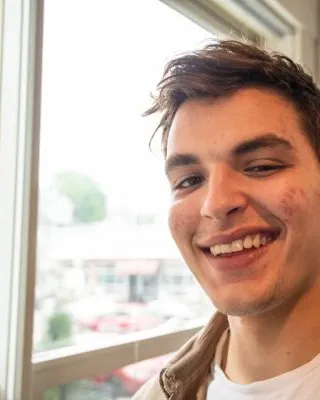
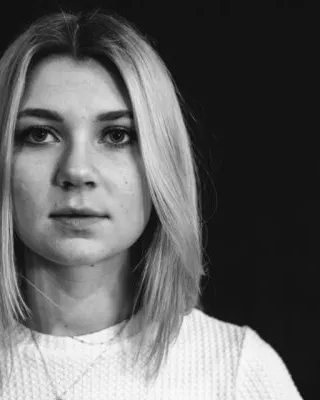




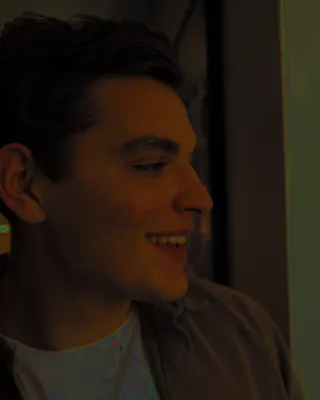
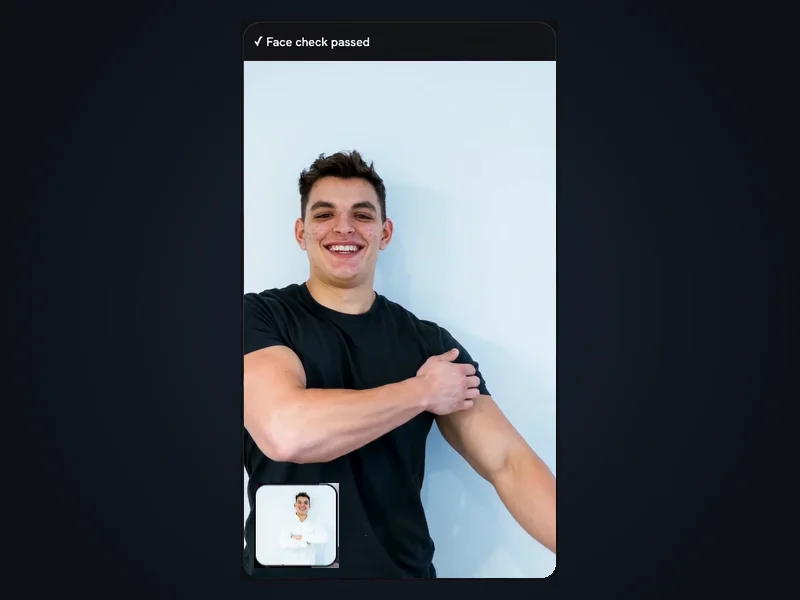
Pick one clear, front-facing photo of an adult and tick the consent box.
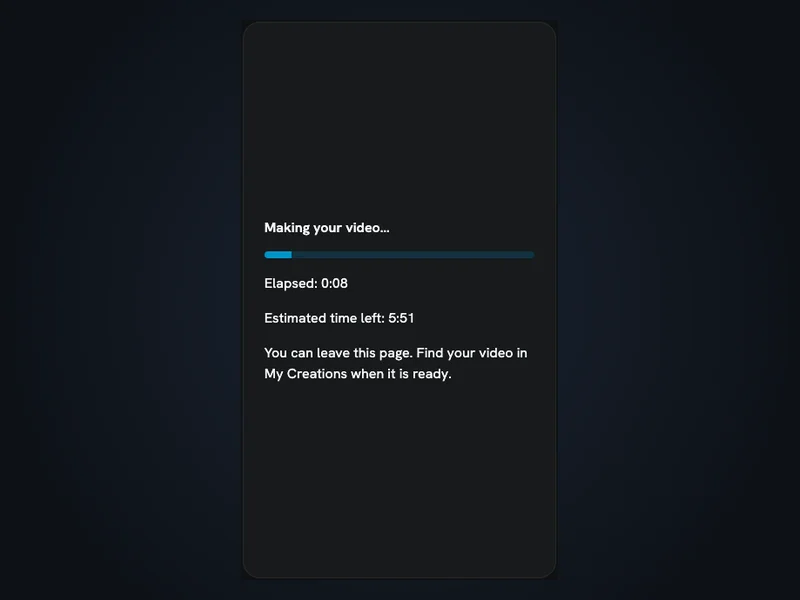
The estimated time is about 5 to 6 minutes, and you can leave the page while it renders.
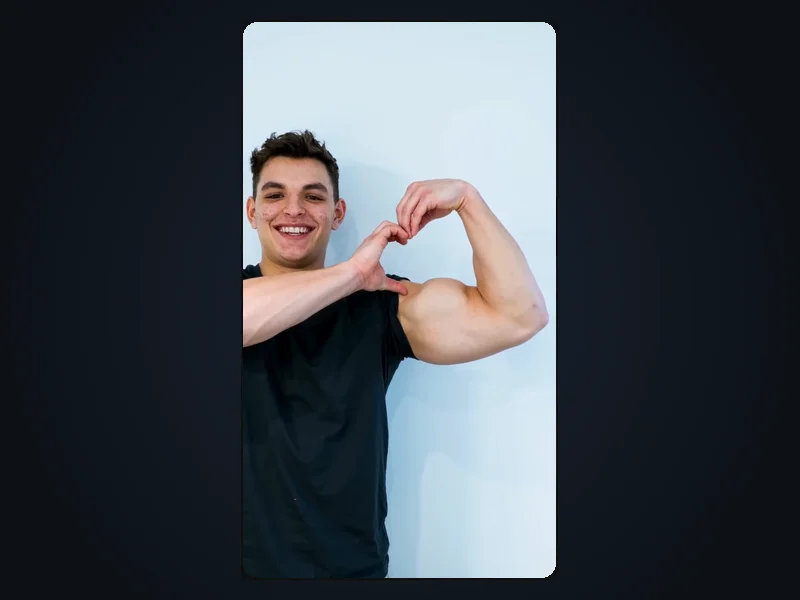
It saves without sound; add one from the bicep heart trend in TikTok if you like.
Your clip has no audio, and no one sound is confirmed for the bicep heart trend, so the button below opens TikTok's page on the sounds people use for it.
Tap the button below to see which sounds bicep heart trend posts use on TikTok.
Open a sound from one of those posts, check it plays in your region, then tap Use this sound.
Choose your downloaded clip from your gallery, trim the sound to fit the 9 seconds, then post.
Sound availability depends on your region and account. VideoFX does not provide or license any music and is not affiliated with TikTok.
If a generation fails, the 270 credits return to your balance automatically. That is a credit return, not a cash refund.
Buy a Starter pack once; there is nothing to cancel. Pack prices are listed in the FAQ below.
Your photo and finished clip stay in your account until you delete them or ask us to; requested deletions are completed within 30 days. We don't use uploads to train AI models.
Bicep Heart Trend AI is an independent VideoFX effect, not affiliated with TikTok, any sound's creator, people in trend videos or similar-named sites. Only upload yourself or an adult who said yes, never a celebrity or a child. Every clip is AI-generated.
This bicep heart AI video generator needs one photo. When you upload it, the page also crops a square close-up of your face. Both images guide Seedance 2.0 Fast, the ByteDance video model behind the effect, and a short reference clip of the bicep heart trend sets the rhythm: one arm bends into a flex and the other hand curves over the bicep to close a heart. The person on screen is you, not anyone from the reference, wearing a fitted T-shirt or sports top, so the clip is about the gesture, not the body. You get 9 seconds at 720p in 9:16, without sound, and nothing to film, prompt or edit. Results depend on your photo, so hands and facial details can drift.
The pose, photos, sound, price and what the effect can't do.
The bicep heart pose is one arm bent into a flex with a closed fist while the other hand curves its fingers over that bicep, so arm and hand outline a heart. That bicep flex heart is the gesture behind the bicep heart trend, which spread on TikTok and Instagram Reels in October and November 2026. Many original posts lean flirty; this effect keeps only the gesture.
Bicep Heart Trend AI is a single-photo effect on VideoFX (videofx.io) that works as a bicep heart AI video generator: upload one photo of yourself and get a 9-second vertical clip of you making the gesture. There is nothing to film, no prompt and no template; the instructions are fixed. A short reference clip sets the rhythm, Seedance 2.0 Fast renders it, and the person on screen is you, not anyone from the reference.
You don't need visible muscle for the bicep heart trend, and the effect is not meant to add any; the AI-generated arm can look different from yours. You won't be shirtless: the outfit is set to a fitted T-shirt or sports top, and the framing stays on your upper body without close-ups of your chest or arms. You can't pick a different outfit or scene.
The best bicep heart trend result comes from a front-facing photo of you alone in even light, upper body in frame: JPG or PNG, up to 10 MB, at least 512 pixels wide. A face check flags no face, several faces or too few pixels, and a face close-up helps keep your look. Hands and facial details can still drift, so a likeness is not guaranteed. A clip that finishes but looks off is not a failed generation, so its credits don't return automatically.
No single song is confirmed for the bicep heart trend, and your video has no sound either way. VideoFX does not include or license music. After downloading, the button in the sound steps above opens TikTok's page on the sounds trend posts use; add one available to your account.
Each bicep heart trend clip shows one person: a photo with your partner is stopped by the face check for showing more than one face, and a pet photo fails because the check looks for a human face. A photo of another adult alone is fine only if they agreed, which you confirm with a checkbox; no celebrities or children. The check confirms one face, not age or consent, so both are on you. Sign in first to generate.
Bicep Heart Trend AI is paid and has no free preview; each clip costs 270 credits. Without credits, buy a one-time Starter pack: 1 video for $6.99 or 3 for $16.99. Pack credits last 365 days and work across VideoFX, with downloads and no watermark; Studio Basic features (image-to-video, 1080p, longer Seedance clips) need a subscription; subscription credits work here too.
Clips from Bicep Heart Trend AI land in My Creations. The estimated time is about 5 to 6 minutes, and you can leave the page meanwhile. If a generation fails, the 270 credits go back to your balance automatically, so you can retry with a clearer photo; that is a credit return, not a cash refund.
Sponsored posts using the bicep heart trend need Business-level access. Clips made with a Starter pack or Basic access are for personal, non-commercial posts only, so ads and client work also need Business. A sound added in TikTok follows TikTok's rules, and you need the rights to any photo you upload.
A Starter pack bought for Bicep Heart Trend AI is refundable only within 7 days of buying and only if under 5% of its credits are used, minus a 5% fee. One video already uses more than 5% of a pack, so once a clip is made the pack can't be refunded. Automatic credit returns for failed generations are separate.