Failed photos return their credits
Each Christmas filter photo costs 8 credits. If a generation fails, those credits return to your balance automatically. This is a credit return, not a cash refund.
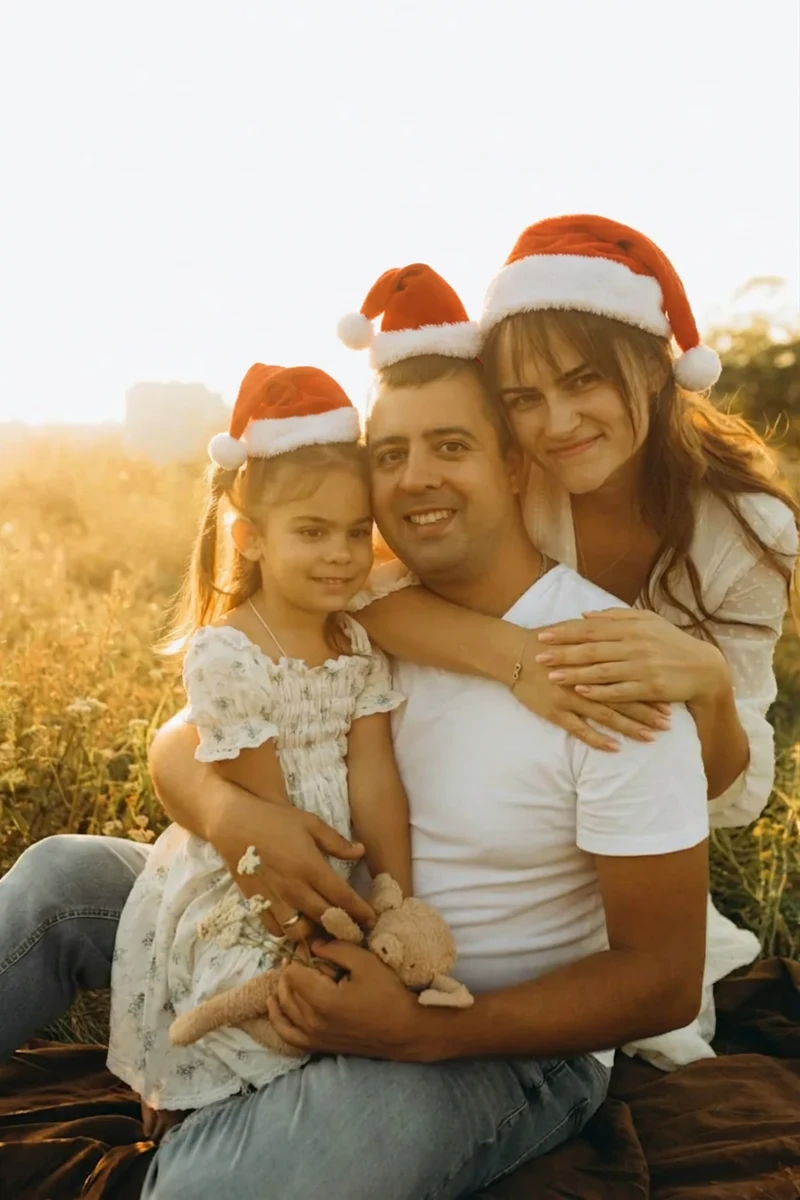
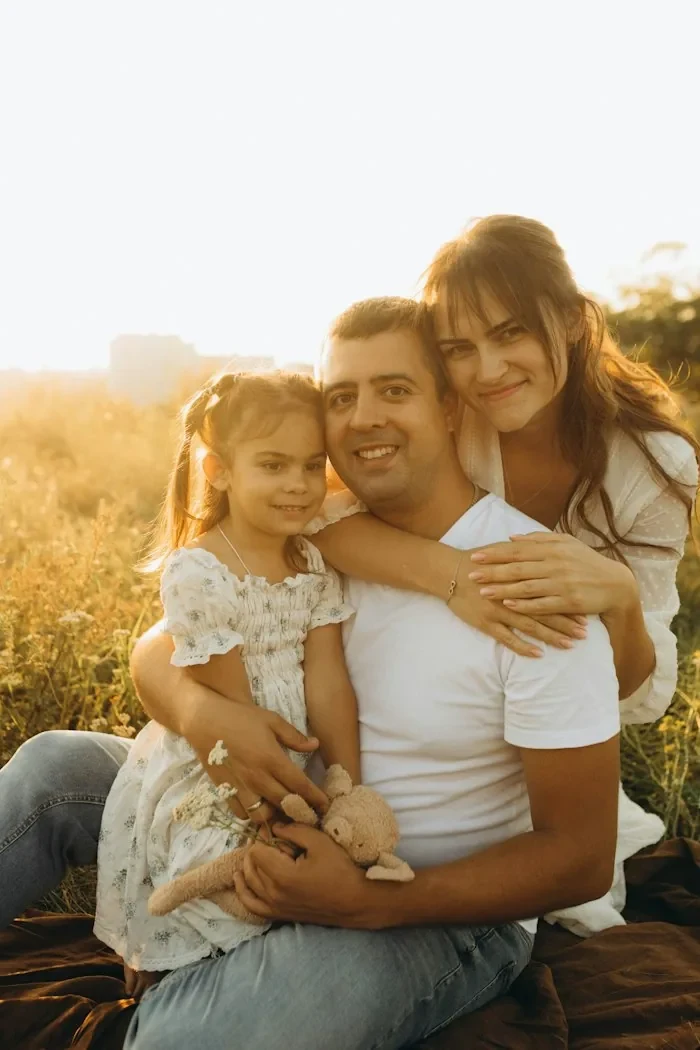
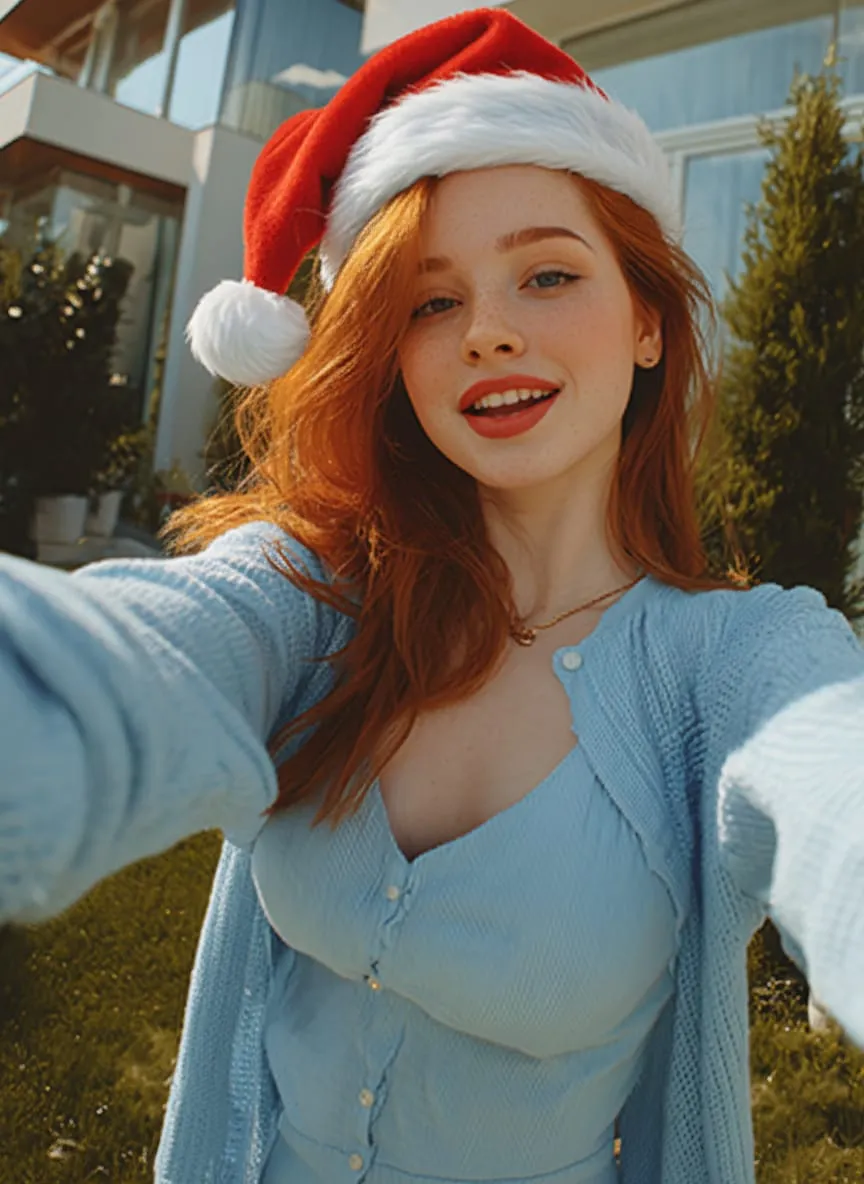
Add a Santa hat, Santa outfit or Snowfall to one photo of you, a group or your pet. Keep your pose and setting; Santa outfit changes clothing. No prompt to write.
Upload your photo
Drop a photo here, or click to choose. JPG or PNG, up to 10 MB.
 Example
 Example
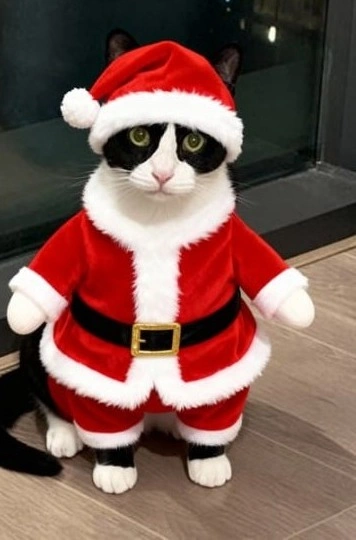 Example
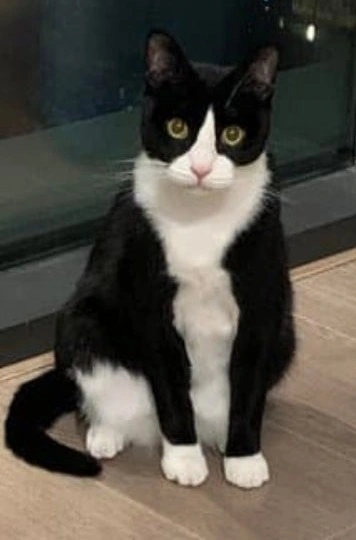
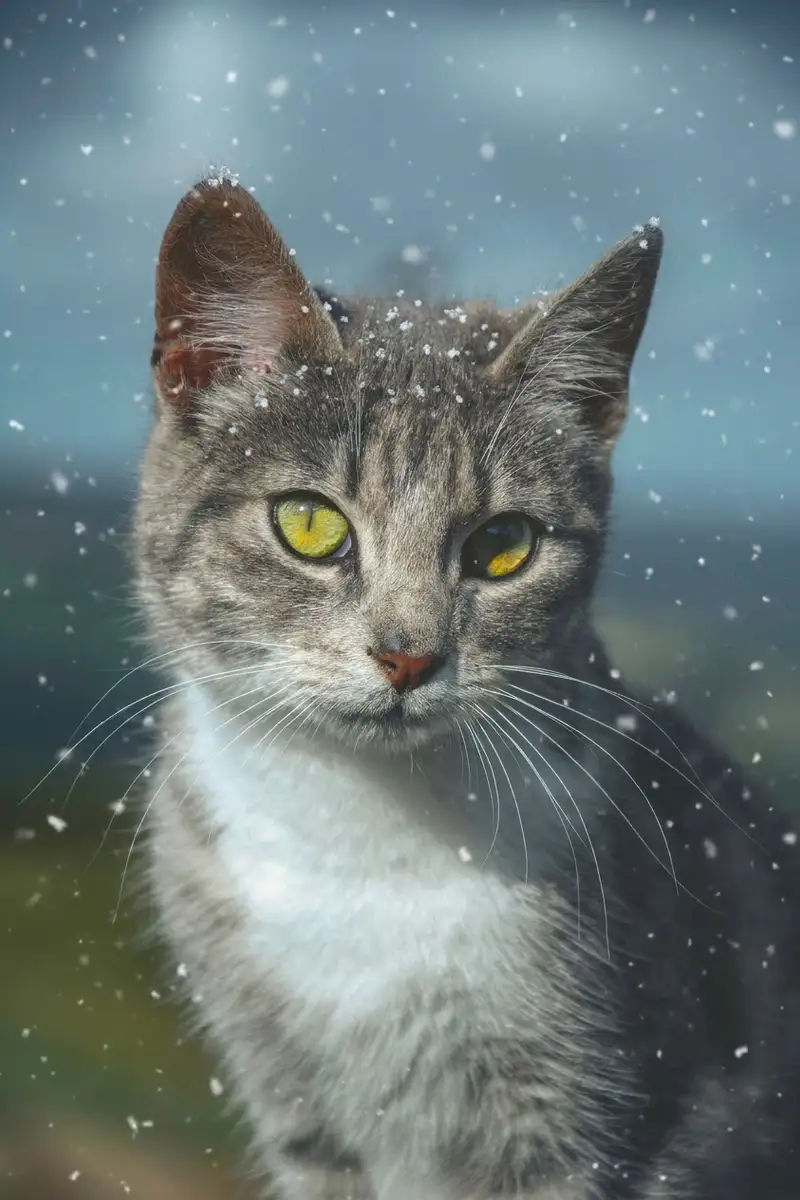 Example
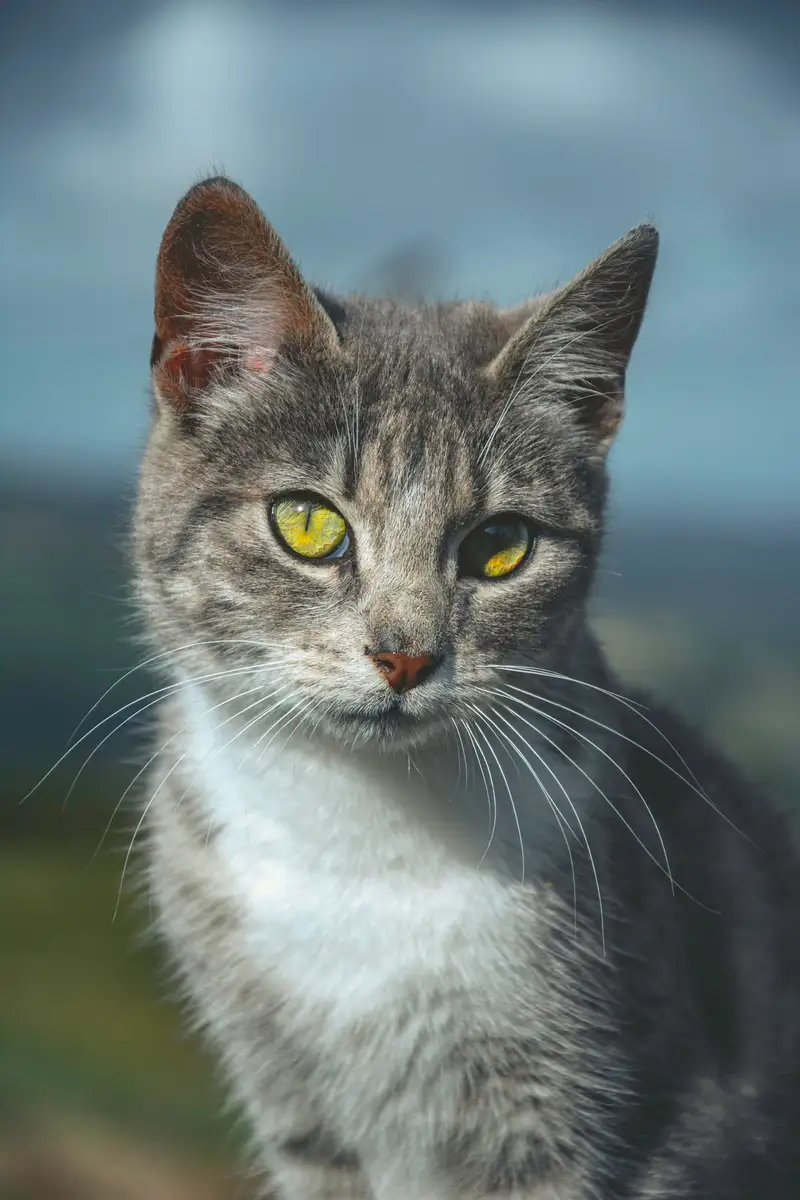
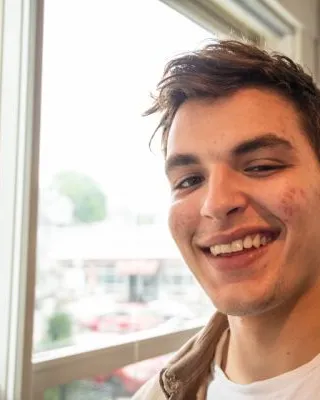
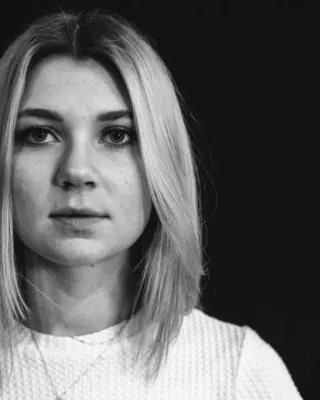
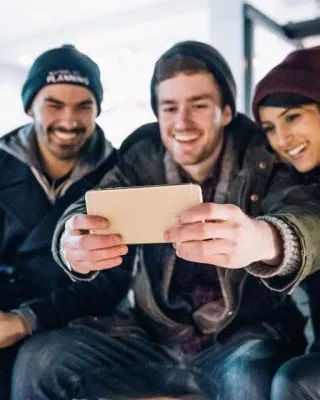
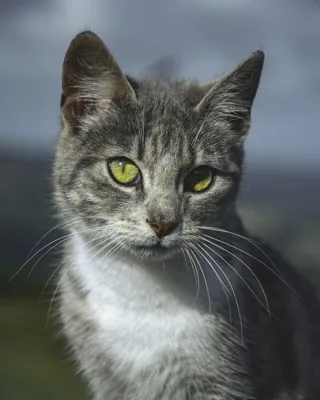
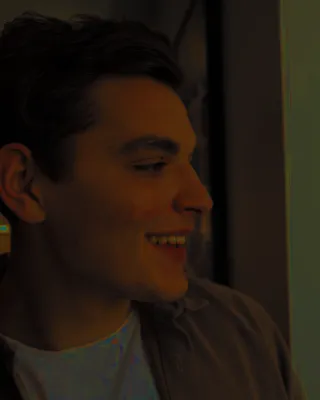
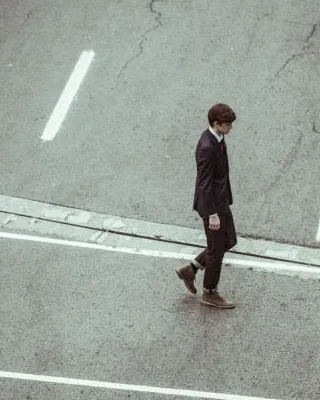
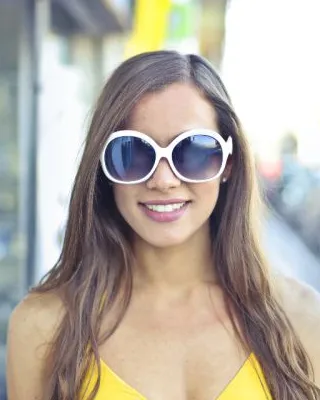
Choose a sharp, well-lit photo of a person, group or pet, then confirm you have permission to use it. Your result is private by default.
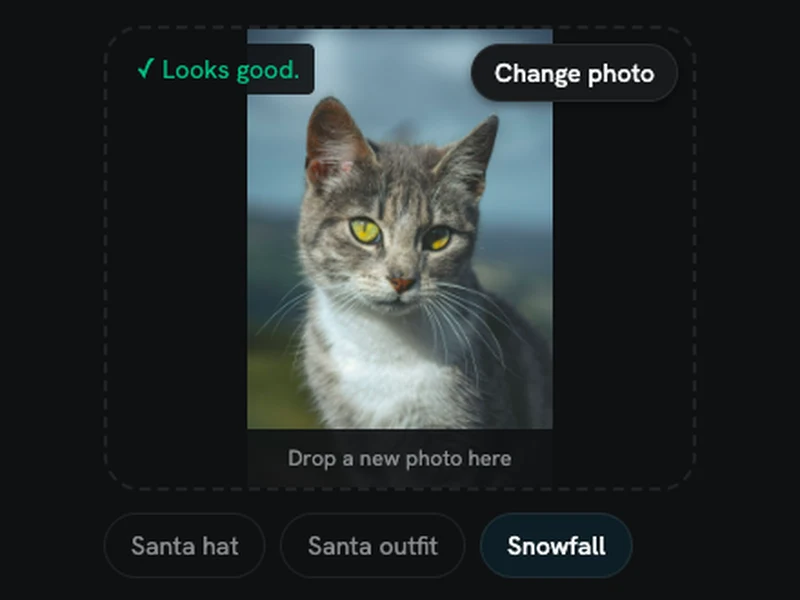
Pick Santa hat, Santa outfit or Snowfall, then press Generate. Santa hat is selected first. There is no prompt to write.
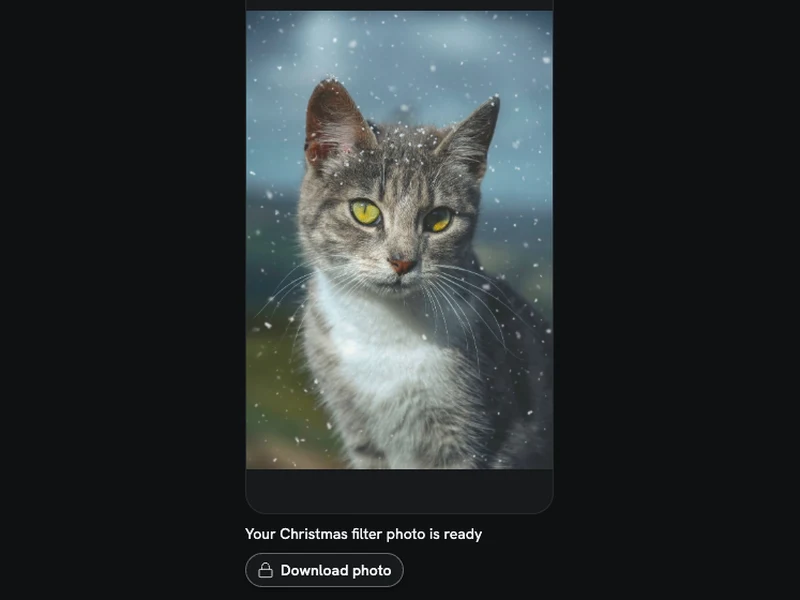
See the result here and in My Creations. Downloading needs a Starter Pack or a paid plan. Results are saved for 14 days, so download the ones you want to keep.
Each Christmas filter photo costs 8 credits. If a generation fails, those credits return to your balance automatically. This is a credit return, not a cash refund.
A $6.99 Starter Pack adds 270 credits, enough for 33 photos, and unlocks downloads for 365 days. There is nothing to cancel.
Your result is private by default and stays in My Creations for 14 days. Download it before that time is up. Ask us to delete your upload or results sooner and we do it within 30 days. We do not use uploads to train AI models.
You must be an adult with the right to use the photo. Adults in it must agree, and a parent or guardian must agree for any child. No celebrities. Every result is AI-generated.
Choose from 3 effects. Santa hat adds a fitted red hat to each person and pet, with no other decorations. Santa outfit changes clothing to a red Santa coat, belt and hat, with matching trousers where legs show; pets get a fitted outfit. It does not add a beard. Snowfall adds snow outdoors, shows it outside a visible window indoors, or adds soft drifting flakes to an indoor photo without a window. The built-in instructions ask to keep the same people and pets, faces, expressions, poses, framing and setting, changing only the selected effect. This is an AI edit, so small details can still differ. You get one image at 1K with an aspect ratio that follows your original photo.
The 3 effects, people and pets, photo shape, credits and privacy.
Santa hat adds a red hat to each person and pet. Santa outfit changes clothing to a Santa coat, belt, hat and trousers where visible, with a fitted version for pets. Snowfall adds gentle snow appropriate to your setting. You choose one effect per generation; effects cannot be combined on this page.
The instructions ask to keep everyone recognizable and preserve expressions, poses, framing and the existing setting. Santa hat adds only hats. Santa outfit changes clothing, while Snowfall adds snow. No effect asks to replace the setting or add or remove people or pets. AI can still alter small details, so check the preview before using it.
Yes. Upload one photo of a person, group, dog, cat or another pet. Faces do not need to pass a face-detection check. The instructions ask to keep every person and pet, including each pet’s fur and markings. Use a clear photo where the subjects are easy to see. This page cannot merge separate photos.
The output aspect ratio follows the original photo, so portrait, landscape and square photos can all work. Each generation returns one image at 1K. The tool does not promise that every pixel or fine detail will stay unchanged.
Each generation costs 8 credits. New accounts get 10 free credits, enough for one preview. Free accounts can preview online; downloading needs a Starter Pack or a paid plan. A $6.99 Starter Pack adds 270 credits, enough for 33 photos, and unlocks downloads for 365 days. Failed generations return their credits; this is not a cash refund.
Results are private by default and saved in My Creations for 14 days. Download anything you want to keep within that time. If you ask us to delete an upload or result sooner, we do it within 30 days. We do not use your uploads to train AI models.
The Christmas filter adds one of 3 effects to the photo and setting you already have. The AI Christmas Photo page redraws your photo in one of 5 holiday scenes, such as by a tree or at a Christmas market, and can change poses and clothing. Choose this filter when you want to keep your original setting.